Smart Home: A Complete Guide to Smarter, Safer Living
Imagine coming home to a comfortable temperature, lights that turn on when you need them, and a front-door alert that […]
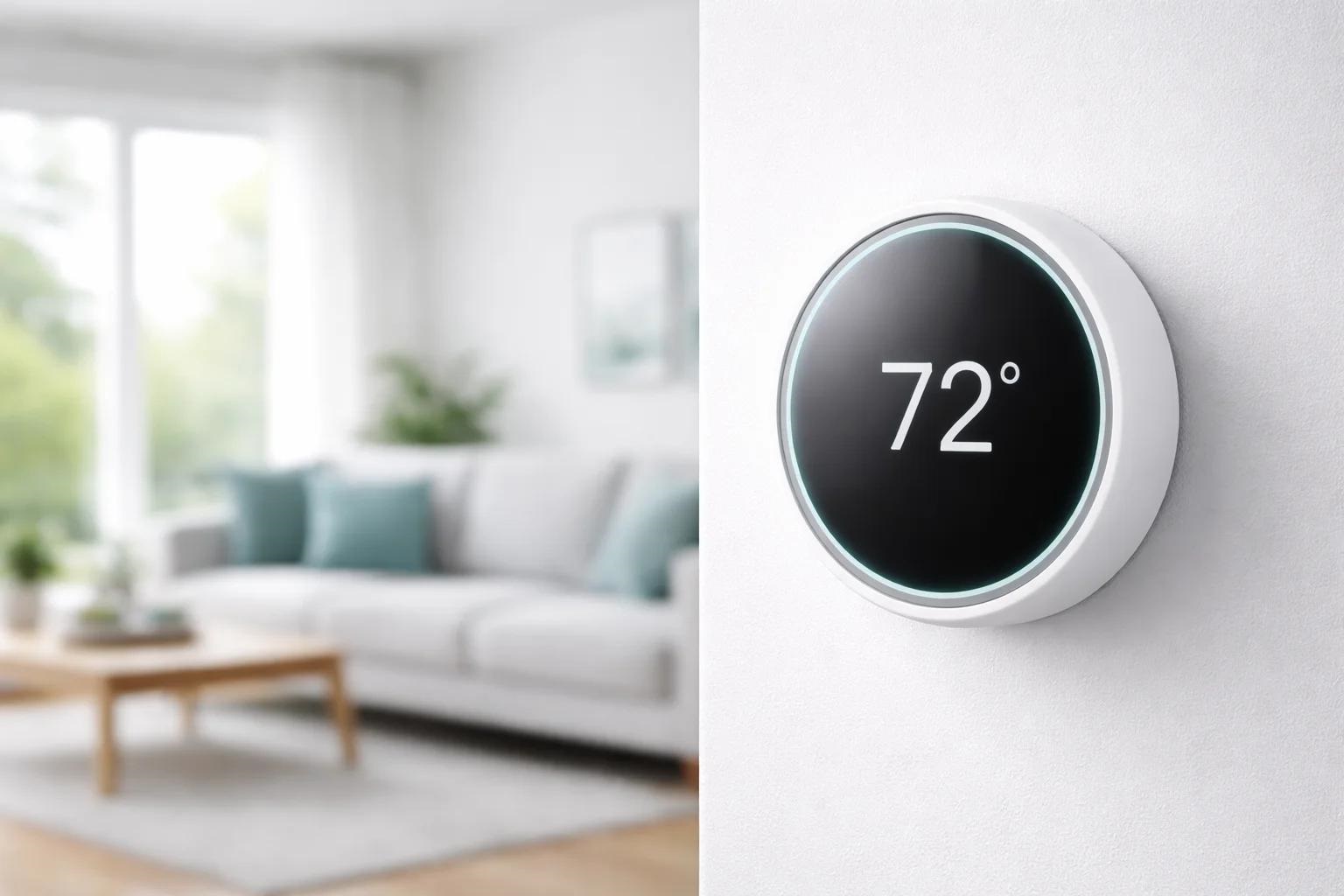
Imagine coming home to a comfortable temperature, lights that turn on when you need them, and a front-door alert that tells you a package has arrived. These features were once associated with futuristic houses. Today, smart home technology makes them available to people living in suburban houses, downtown apartments, and rental properties across the United States.
A connected home does not require expensive renovations or dozens of gadgets. You can begin with one useful device and expand as your budget and needs change. The challenge is choosing products that work together, protect your privacy, and actually simplify everyday life.
This guide explains the basics of home automation, popular devices, security considerations, potential energy benefits, and practical ways to build a system that fits your household.
What Is a Smart Home?
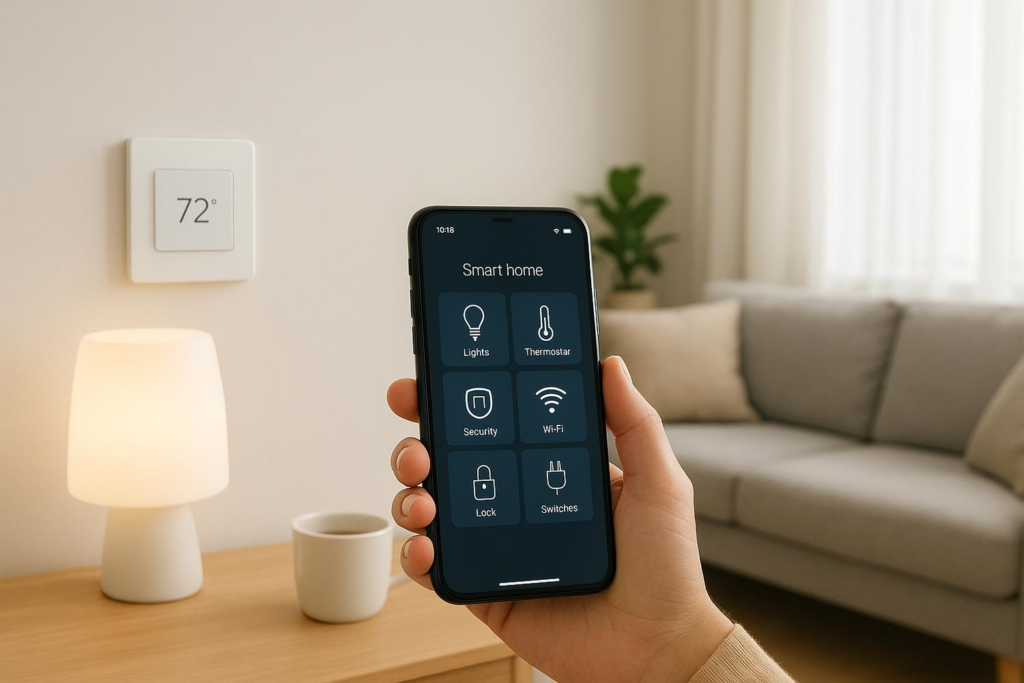
A smart home uses internet-connected or locally networked devices to monitor and control household functions. Depending on the equipment, you might adjust heating from a phone, schedule porch lights, view a security camera, or ask a voice assistant to perform a routine.
Many products connect through Wi-Fi, while others use wireless technologies such as Thread or Zigbee. Some operate within a single brand’s app; others work through a compatible home hub or platform.
The goal is not to automate everything. It is to reduce repetitive tasks, improve awareness, and give you more control over how your home operates.
Why Are Smart Homes Becoming Popular?
Everyday Convenience
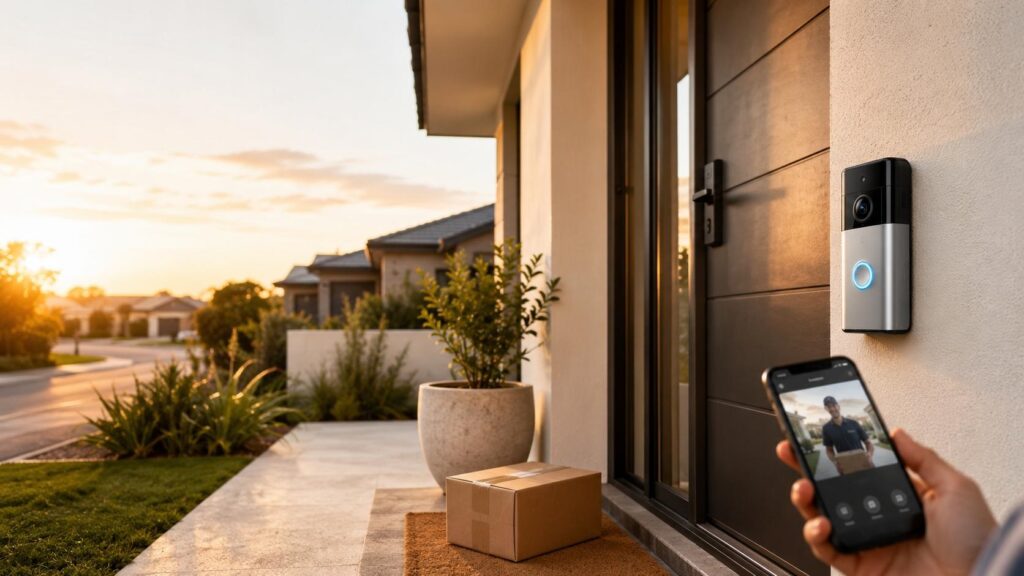
Automations can handle small routines that add up. You might schedule lights to dim at bedtime, turn on a fan through a supported smart plug, or unlock a compatible door for a family member without handing over a spare key.
Remote controls are also helpful when plans change. If you return late from work, for example, you can adjust connected lights or the thermostat before arriving, provided remote access is supported and configured.
Better Awareness of Home Activity
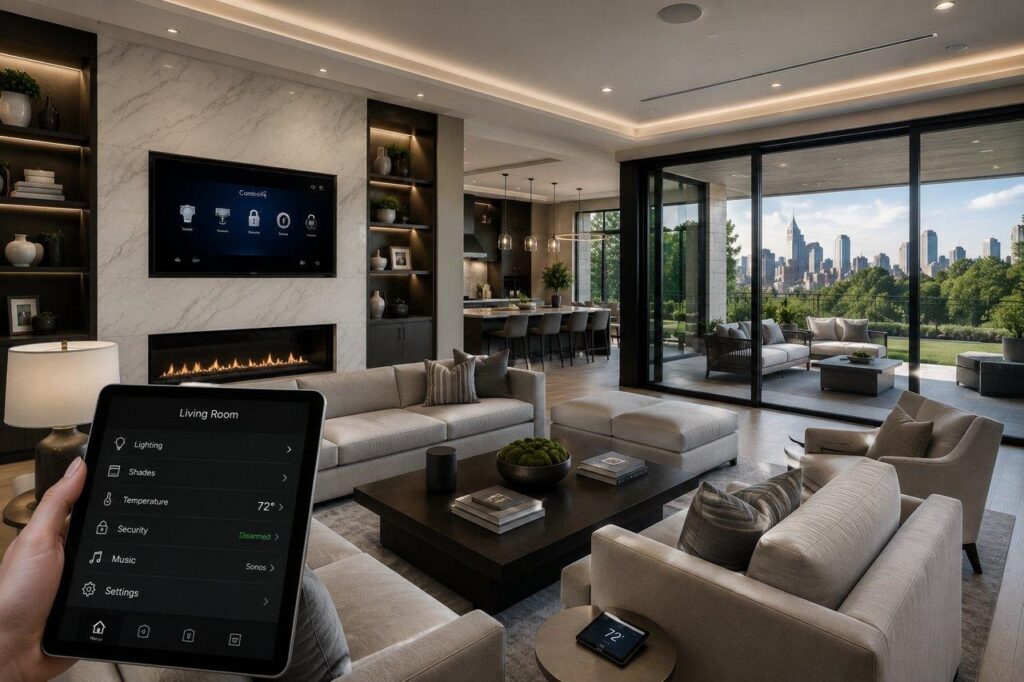
Connected cameras, sensors, and doorbells can notify you about activity at entrances or other selected areas. They do not prevent every incident, but they can help you check what is happening and decide whether action is necessary.
More Control Over Energy Use
Smart thermostats and lighting schedules can help limit unnecessary operation. Actual savings depend on your climate, equipment, home insulation, occupancy, and settings. Automation works best alongside basic improvements such as weather sealing and efficient appliances.
Essential Smart Home Devices to Consider
1. Smart Security Cameras
Indoor and outdoor cameras allow homeowners to view designated areas through an app. Features to compare include video resolution, viewing angle, night vision, motion alerts, two-way audio, and recording options.
Some cameras offer local storage, while others require or optionally support cloud storage. Local recording may reduce recurring subscription costs, but you should check what happens if a camera or memory card is damaged or stolen.
Brands such as Lorex offer a selection of smart home security products, including Wi-Fi cameras and video doorbells. When comparing models, confirm their compatible mobile app, power requirements, recording method, and available features rather than assuming every product works the same way.
2. Video Doorbells
A video doorbell can show visitors at the front entrance and, on supported models, let you speak to them through a smartphone. Motion alerts may help with deliveries even when nobody presses the bell.
Wired models often suit houses with compatible existing doorbell wiring. Battery-powered versions may offer more placement flexibility, although they need charging. Check your doorbell chime, Wi-Fi signal, mounting rules, and field of view before purchasing.
3. Smart Locks and Entry Sensors
Smart locks can offer keypad access, electronic keys, or remote management, depending on the model. They are useful for households that need controlled access for family members or guests. Look for a dependable manual or emergency-access method and understand how the lock behaves during a power or internet outage.
Door and window sensors are another simple option. They can report when a monitored opening changes state and, in compatible setups, trigger lights or notifications.
4. Smart Lighting and Plugs
Smart bulbs, switches, and plugs are affordable starting points for home automation. Use lighting schedules for a regular routine, or add motion-based lighting in hallways and entryways.
Smart plugs are best for appliances that can safely resume their intended operation when power is restored. Never use an ordinary smart plug to control equipment that exceeds its electrical rating or poses a safety risk if switched on unexpectedly.
5. Smart Thermostats
A smart thermostat helps manage heating and cooling through schedules, remote adjustments, and sometimes occupancy-based features. Before buying, check compatibility with your heating and cooling system, including wiring and any required common wire.
ENERGY STAR-certified smart thermostats are evaluated for energy-saving performance. Savings are not guaranteed for every home, and a thermostat cannot compensate for poorly maintained heating equipment.
How Smart Home Technology Works
A typical setup includes a device, a network connection, and an app or controller. Wi-Fi products connect to your router. Other devices may communicate through a hub or compatible border router. Some routines run locally, while cloud-based features need an internet connection.
Understand Compatibility Before Buying
The Matter standard aims to help supported products work across participating ecosystems. However, not every device supports Matter, and not all features are necessarily available in every platform. A Matter logo is a useful clue, not a substitute for checking the exact model.
Choose a primary platform only after considering what you already own. If your household uses Apple, Google, or Amazon products, review device compatibility carefully. For security cameras especially, voice-assistant support may be limited to particular functions, such as displaying a live feed.
Plan for Reliable Connectivity
A strong home network makes daily operation smoother. Check Wi-Fi coverage at the porch, driveway, garage, and other installation spots. Walls, distance, and interference can weaken signals.
Remember that “wireless” often refers to data transmission, not necessarily power. Some cameras and doorbells still require plugs or electrical wiring. For hardwired work, follow manufacturer instructions and use a qualified electrician when appropriate.
How to Set Up a Smart Home Step by Step
Step 1: Identify One Everyday Problem
Start with a specific goal: seeing deliveries, controlling the temperature, or making a dark entryway safer to navigate. A focused purchase is easier to evaluate than a large bundle of unrelated devices.
Step 2: Create a Realistic Budget
Include the device price, installation supplies, a possible hub, subscriptions, batteries, and future replacements. Compare total ownership costs over several years instead of choosing products based only on their sticker price.
Step 3: Check Your Network and Privacy Settings
Update your router, choose strong Wi-Fi encryption, and set a unique administrator password. Review the device maker’s update policy, privacy controls, and recording choices before activating any camera or microphone.
Step 4: Install and Test One Device
Follow the product’s instructions, install software updates, and test notifications from inside and outside your home. Verify what happens when Wi-Fi or internet service is unavailable. Give household members clear instructions for using and disabling the device.
Step 5: Add Simple Automations
Once the first product works reliably, build a routine such as turning on entry lights after sunset. Avoid overly complicated rules that are difficult to troubleshoot. Add new devices only when they solve another real problem.
Smart Home Security and Privacy Best Practices
A connected home deserves the same attention you give your online accounts. A camera, lock, or speaker may collect sensitive information, and weak security can put it at risk.
Use a different strong password for each important account and enable multifactor authentication wherever available. Apply firmware and app updates promptly, or allow automatic updates when supported. Change any default administrator credentials.
The Federal Trade Commission also recommends securing your Wi-Fi router, using WPA2 or WPA3 encryption, and considering a separate network for connected devices. A separate guest or IoT network can provide extra separation, depending on your router’s capabilities.
For cameras, check whether video is stored locally or in the cloud, how long recordings are retained, and who can access them. Use privacy zones or recording schedules if supported. Avoid pointing cameras at neighboring windows or spaces where people reasonably expect privacy. Review local recording and audio-consent laws before installing devices.
Finally, discuss the setup with everyone in your household. Convenience should not come at the cost of making family members or guests feel constantly watched.
Can a Smart Home Reduce Utility Bills?
It can help, but results vary. ENERGY STAR notes that certified smart thermostats are independently evaluated using field data for energy savings. Scheduling heating and cooling around real occupancy may reduce waste, particularly when settings previously stayed unchanged throughout the day.
Smart lighting can also prevent lights from being left on unnecessarily. Still, the biggest benefits often come from combining automation with LED bulbs, insulation, maintenance, and sensible temperature settings. Use actual utility bills to judge whether your changes are worthwhile.
Smart Home Ideas for Different Living Spaces
Apartments and Rental Homes
Renters can often start with plug-in lamps, removable sensors, and portable indoor cameras. Seek landlord permission before replacing locks, doorbells, switches, or fixtures, and check building rules regarding cameras in shared areas.
Family Homes
Families may benefit from entryway lighting, a doorbell camera, leak sensors, or a thermostat that follows a predictable schedule. Keep critical controls accessible without relying entirely on one person’s phone.
Larger Properties
A bigger home may need stronger network coverage and more carefully placed devices. Map entrances, garages, and outdoor areas before choosing cameras. Prioritize coverage and clear alerts rather than simply purchasing the largest number of devices.
Common Smart Home Mistakes to Avoid
Buying devices from several ecosystems without checking compatibility can leave you juggling multiple apps. Another mistake is assuming “no monthly fee” applies to every feature: local recording may be included while optional cloud services cost extra.
Do not ignore weak Wi-Fi, outdated firmware, poor camera placement, or electrical limitations. And avoid automating essential safety functions without understanding failure modes. A simple, tested setup is better than an impressive system nobody knows how to manage.
Frequently Asked Questions About Smart Homes
Is a Smart Home Expensive to Set Up?
Not necessarily. You can start with a single smart bulb, plug, or sensor and expand gradually. Costs rise with professional installation, security cameras, advanced hubs, and paid cloud services. Compare the complete cost before buying.
Do Smart Home Devices Work Without Internet?
Some devices support local controls and automations when internet service is down. Others need cloud access for remote viewing, voice features, or alerts. Check each product’s offline behavior before depending on it.
What Is the Best First Smart Home Device?
Choose the device that solves your most frequent problem. A smart thermostat may suit a household focused on temperature control, while a video doorbell may be more useful for frequent deliveries. There is no single best starting point for everyone.
Are Smart Security Cameras Safe?
They can be useful when configured carefully, but no connected device is risk-free. Look for security updates, encrypted connections, strong account protection, and privacy settings. Follow FTC guidance for securing cameras and your home network.
Can I Use Devices From Different Brands Together?
Often, yes, but compatibility differs. Check supported hubs, apps, protocols, and individual features. Matter can simplify some connections, but it does not guarantee that every product or function will work with every system.
Will Home Automation Save Energy?
It may reduce wasted heating, cooling, or lighting when used appropriately. Your savings depend on existing habits, climate, equipment, and home efficiency. Monitor bills instead of assuming a fixed percentage reduction.
Conclusion: Build a Smart Home Around Real Needs
The best smart home is not the one with the most gadgets. It is the one that makes ordinary routines easier while respecting your budget and privacy. Begin with a clear goal, choose compatible products, secure your network, and test each device before expanding.
Whether your priority is keeping an eye on deliveries, improving comfort, or reducing unnecessary energy use, thoughtful home automation can make your space more convenient and responsive. Start small, learn what works, and build a connected home that truly serves you.

Written by Twastia Editorial Team
Twastia Editorial Team shares practical insights about website design, SEO services, Google Ads, content marketing, social media, conversion rate optimization, and digital marketing strategy.
Last updated: Oct 13, 2026
Related posts from Twastia
Explore more useful articles from twastia.com about digital marketing, SEO, websites, ads, content, and growth strategy.