How to Rank a Website on Google for Free: Step-by-Step SEO Guide
You can rank a website on Google for free by using search engine optimization (SEO). Start with keyword research, create […]
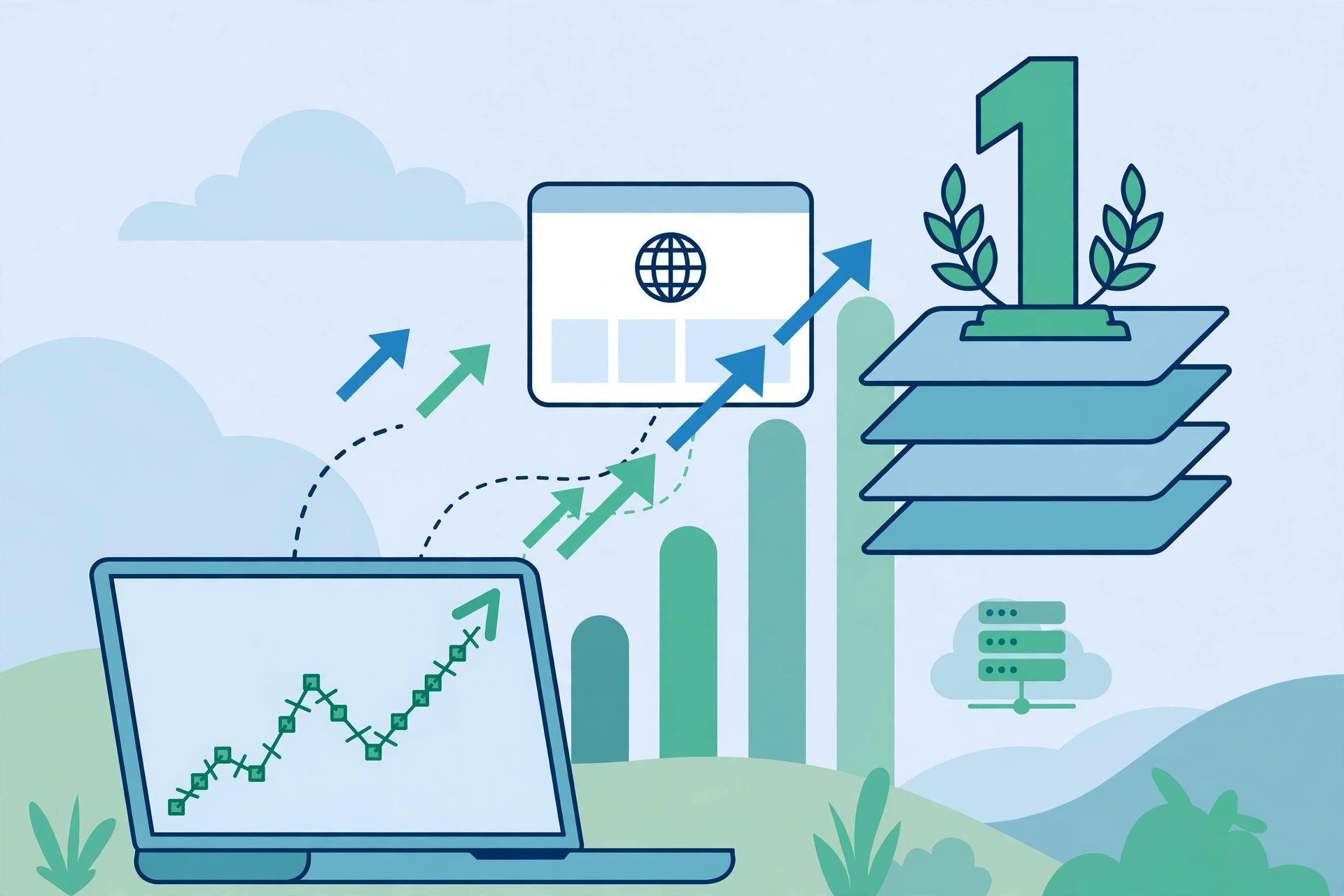
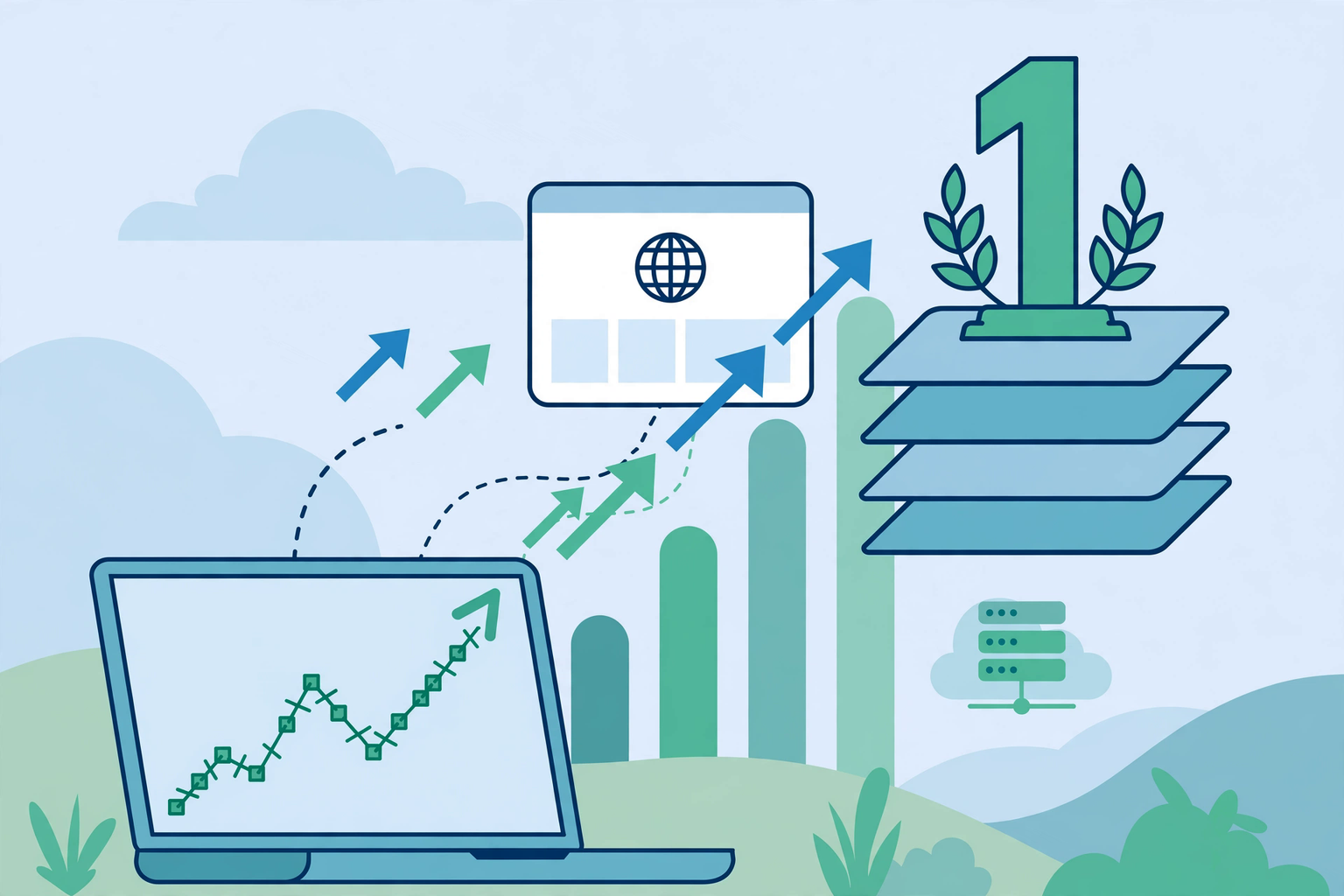
You can rank a website on Google for free by using search engine optimization (SEO). Start with keyword research, create helpful content, and make your pages easy for Google to find. Then improve your site’s speed, links, and user experience.
You do not need Google Ads or paid SEO tools to get organic search traffic. Free tools like Google Search Console and Google Analytics can help you find issues and track results.
This guide explains how to improve your Google search ranking, from your first keyword to long-term growth. Each step helps you build a site that people can find, use, and trust.
Can You Really Rank a Website on Google for Free?
Yes, you can rank a website on Google without paying for ads. Google does not charge you to appear in its organic search results.
You will still need time, effort, and a working website. Free SEO can improve your search visibility, but no method can promise first place.
How Free Organic Google Rankings Work
Google uses automated systems to find, read, and rank web pages.
The process has three main stages:
- Crawling: Googlebot discovers pages through links and sitemaps.
- Indexing: Google reviews pages and may store them in its search index.
- Ranking: Google’s core ranking systems select results that best match a search.
Your page needs useful content and clear access for search bots. Both help Google understand what your page offers.
Organic Search Rankings vs. Paid Google Ads
Organic results come from Google’s search systems. Paid ads appear through advertising campaigns.
You cannot pay Google to raise a page’s organic position.
Free SEO aims to earn visits over time. Ads can bring traffic while you pay, but organic rankings do not have a cost per click.
What You Need Before Starting Free SEO
You need a live website, access to its settings, and a clear topic.
Make sure your pages work on phones and computers. You should also be able to edit page titles, content, and links.
Free Google tools are enough to start. If you later need paid tools for more detailed keyword or competitor research, services offering Affordable group buy SEO tools provide shared access to premium software. These services charge a fee, and shared access may have limits.
You can still complete the steps in this guide without buying any tools.
Step 1 — Set Up Free Google SEO Tools
Free SEO tools help you see how Google finds your website and how users reach it.
Set Up Google Search Console
Google Search Console is a free tool that shows your site’s Google Search performance.
To start:
- Visit Google Search Console.
- Add your website property.
- Verify that you own the site.
- Open the Performance and Page Indexing reports.
You can view search queries, clicks, impressions, and average positions. The tool also helps you find crawl and indexing issues.
Submit Your XML Sitemap to Google
An XML sitemap lists the pages you want search engines to find.
Many website platforms create one for you. WordPress SEO plugins can also generate it.
Open the Sitemaps section in Search Console. Enter your sitemap URL and select Submit.
A sitemap helps Google discover URLs. It does not ensure that Google will index or rank them.
Set Up Google Analytics to Track Organic Traffic
Google Analytics 4 (GA4) shows how people use your website.
Create a property, add the tracking code, and check your reports.
Look at organic search visits, top pages, and key actions. This data helps you see which pages attract readers and which need work.
For SEO research and competitor analysis, you can also review seotoolsgroupbuy.us.
Check Whether Google Has Indexed Your Website
Use the URL Inspection tool in Search Console to check a specific page.
You can also search Google with:
site:yourwebsite.com
This search can show indexed pages, but it does not give a full index count.
If a key page is missing, check its index status and any reported issues.
Step 2 — Find the Right Keywords Without Paid SEO Tools

Free keyword research helps you find search terms that match your content and audience.
Understand Search Intent Before Choosing Keywords
Search intent means the goal behind a Google search.
Informational, Navigational, Commercial, and Transactional Intent
There are four common types:
- Informational: The user wants an answer, such as “how to improve website speed.”
- Navigational: The user wants a known site, such as “Google Search Console.”
- Commercial: The user wants to compare options, such as “best website hosting.”
- Transactional: The user wants to take action, such as “buy a domain name.”
Check the results for each keyword. This helps you choose the right page type.
Find Free Keywords Using Google Autocomplete
Type a topic into Google Search and look at the suggested searches.
For example, enter “rank website on Google.” Google may show more specific searches related to the topic.
Use these ideas to find questions your audience asks. Do not treat every suggestion as proof of high search demand.
Use Google People Also Ask and Related Searches
People Also Ask shows questions tied to a search topic. Related searches can give you more keyword ideas.
Choose questions that fit your page. Answer them in the right section.
Do not add extra topics just to use more keywords.
Find Keyword Opportunities in Google Search Console
Open the Search Results report and review the Queries tab.
Look for keywords with impressions but few clicks. Some may show topics your pages already cover.
Check the page linked to each query. Improve its answer, title, or search intent match when needed.
Target Relevant Long-Tail and Low-Competition Keywords
Long-tail keywords are specific search phrases.
For example, “how to rank a new website on Google for free” has a clearer goal than “SEO.”
Specific terms can help small websites reach the right readers. Check the live search results to judge how hard a topic may be.
Analyse Google’s Top-Ranking Pages for Your Target Keywords
Search your main keyword and review the leading organic pages.
Look at their content type, headings, examples, and answers.
Note what readers may still need. Your goal is to make a better page, not copy another website.
Map One Primary Search Intent to Each Page
Give each page a clear purpose.
For example, a guide about free Google rankings should teach readers how to improve their site. A page about paid SEO services serves a different goal.
A simple keyword map helps prevent several pages from chasing the same search intent.
Step 3 — Create Helpful Content That Matches Search Intent
Helpful content gives readers the answer they came to find.
Answer the Main Search Query Immediately
Put a direct answer near the start of your page.
For a guide about free SEO ranking, tell readers which steps they can take without paid tools.
Then explain each action in detail. This makes the page easier to use.
Cover the Topic Completely Without Unnecessary Information
Good content covers the main question and useful follow-up points.
Avoid thin content that offers little help. Remove long introductions and repeated ideas.
Complete content does not need to be long. It needs to solve the reader’s problem.
Demonstrate Experience, Expertise, Authoritativeness, and Trustworthiness (E-E-A-T)
Google’s E-E-A-T framework stands for Experience, Expertise, Authoritativeness, and Trustworthiness.
Show what you know through clear facts, real work, and reliable sources.
Add author details when they help readers judge your work. E-E-A-T is not a single ranking score, but trust is a key part of content quality.
Use Original Examples, Evidence, and First-Hand Insights
Add examples that help readers take action.
A guide about Google Search Console could show how to find a page with low clicks and high impressions.
Use real test results or screenshots when you have them. Do not invent results to make a claim stronger.
Organise Content With Clear H2, H3, and H4 Headings
Use headings to show how your content is arranged.
A main section can use H2. Related points can sit under H3. Use H4 when a topic needs a smaller part.
For SEO research and competitor analysis, you can also review seogroupsbuy.com.
Keep headings short and clear so readers can scan the page.
Add Relevant Images, Examples, and Other Useful Visuals
Use visuals when they make a task easier to follow.
For example, a screenshot can show where to find the Page Indexing report.
Charts and tables can also explain data. Avoid images that add no useful detail.
Use Related Terms and Natural Language Without Keyword Stuffing
Semantic SEO helps you cover connected ideas in clear language.
For this topic, useful terms include organic search traffic, keyword targeting, search intent, and content optimization.
Use words where they fit. Do not repeat the main keyword in every paragraph.
Choose Content Length Based on Topic Coverage, Not Word Count
Write enough to give a full answer.
A short question may need a few lines. A full SEO guide needs more detail.
Google does not set a fixed word count for higher rankings. Focus on value, not length.
Step 4 — Improve Your Website’s On-Page SEO
On-page SEO helps Google and readers understand each page.
Write Descriptive, Keyword-Relevant SEO Title Tags
Your title tag should tell users what the page covers.
Use the main keyword when it fits.
For example, “How to Rank a Website on Google for Free” is clear and matches the topic.
Keep titles useful rather than adding repeated search terms.
Create Useful Meta Descriptions
A meta description gives a short preview of the page.
Explain what readers will learn and why it helps them.
Google may use other page text for the search snippet. Still, a clear description gives it useful context.
Use One Clear H1 and a Logical Heading Hierarchy
Give your page one clear main title.
Use H2 and H3 headings to group the content. This makes the page easy to scan.
Do not add headings only to fit more keywords.
Create Short, Descriptive URLs
Keep each URL clear and easy to read.
For example:
yourwebsite.com/rank-website-google-free/
Avoid long URLs with random numbers or words that add no value.
Place Your Main Keyword Naturally in Important Page Elements
Use the main keyword in the page title, H1, and opening text when relevant.
You can use close variations in other headings.
Do not force an exact phrase into every section. Natural keyword placement is better for readers.
Add Descriptive Image Alt Text and Optimise Image File Sizes
Alt text explains an image to users who cannot see it.
For example, “Google Search Console performance report showing search clicks” describes a useful screenshot.
Use modern image formats and suitable sizes to reduce page load time.
Use Relevant Internal and External Links
Internal linking connects pages on your own site.
External linking points readers to other useful sources.
Use clear anchor text so people know where a link leads. Link to a source when it adds value, not just to increase the number of links.
Add Appropriate Structured Data Where Supported
Structured data helps Google understand some page details.
It can make eligible pages available for rich SERP features, though a rich result is not assured.
Choose schema types that match the page. Test your markup with Google’s Rich Results Test.
Step 5 — Fix Technical SEO Issues That Prevent Google Rankings

Technical SEO makes it easier for Google to reach and understand your pages.
Make Sure Google Can Crawl and Index Your Website
Check that key pages are open to search bots.
A page that Google cannot access may not appear in search results.
Check Robots.txt, Noindex Tags, and Canonical URLs
A robots.txt file controls crawler access to parts of your site.
A noindex tag tells search engines not to index a page. A canonical tag points to the preferred URL when similar pages exist.
Check these settings before changing them. A wrong rule can hide a page you want Google to show.
Resolve Indexing Errors in Google Search Console
Open the Page Indexing report and review the listed reasons.
Check affected URLs with the URL Inspection tool.
Fix the cause, then request indexing when that option fits. Google still decides whether to index the page.
Create a Clear Website Architecture
Group related pages into simple categories.
Important pages should be easy to find from the home page or main menus.
Clear site architecture helps both readers and Googlebot move through your website.
Identify and Fix Broken Links and Redirect Issues
Check for links that lead to missing pages.
Update broken internal links to the correct URL.
Use a permanent redirect when a page has moved for good. Avoid long redirect chains that slow access.
Improve Website Security With HTTPS
HTTPS helps protect data sent between a user’s browser and your website.
Install a valid SSL certificate and make sure pages load through HTTPS.
Update internal links so they use the secure version of each URL.
Prevent Duplicate, Thin, and Unnecessary Indexed Pages
Do not create many URLs that offer the same answer.
Merge duplicate pages when needed. Use canonical tags or noindex where they fit the goal.
For SEO research and competitor analysis, you can also review seogbtools.com.
Large sites may also face index bloat, where many low-value URLs take up space in the index.
Check Whether Important Content Is Accessible to Googlebot
Use URL Inspection to see how Google views a page.
Check that key text and links can load without a login.
This also helps you spot crawlability issues before they affect more pages.
Troubleshoot JavaScript Rendering Issues When Relevant
Some websites load content through JavaScript.
JavaScript SEO checks whether search bots can see that content after the page runs.
If key text is missing from the rendered page, review how the site loads it. Plain HTML access can make key content easier to find.
Step 6 — Make Your Website Faster and Mobile-Friendly
A fast, clear website helps people read your pages and use your site with less effort.
Understand Google’s Core Web Vitals
Core Web Vitals measure key parts of page experience.
Largest Contentful Paint (LCP)
LCP measures how fast the main visible content loads.
Aim for an LCP of 2.5 seconds or less at the 75th percentile of real user visits.
Interaction to Next Paint (INP)
INP measures how fast a page responds to user actions.
A good INP is 200 milliseconds or less.
Cumulative Layout Shift (CLS)
CLS measures how much page content moves without user input.
Aim for a CLS score of 0.1 or less.
Test Website Speed With Google PageSpeed Insights
Open PageSpeed Insights and enter your URL.
Check both mobile and desktop results.
Review the listed issues and fix those with the most impact. Test again after each major change.
Compress Images and Reduce Unnecessary Scripts
Large images can slow down a page.
Resize images before upload and compress them without losing key details.
Remove scripts and plugins you no longer need. This can help pages load faster.
Use Caching and Reliable Hosting
Caching stores files so browsers do not need to load them from scratch each time.
Enable browser and server caching where your setup allows it.
A reliable hosting provider also helps keep your website fast and available.
Improve Mobile Responsiveness and Navigation
Your website should fit small screens without making users zoom in.
Use readable text, clear menus, and buttons with enough space around them.
Google uses the mobile version of a site for indexing, so mobile content must remain complete and easy to access.
Improve Page Readability and User Experience
Use short paragraphs, simple words, and clear headings.
Make links easy to spot. Avoid pop-ups that block the main content.
A good user experience helps people find answers without effort. Bounce rate alone is not a direct Google ranking score.
Step 7 — Build Internal Links and Topic Clusters
Internal links help Google find related pages and understand your website’s structure. They also guide readers to more useful content.
Link Related Pages With Descriptive Anchor Text
Link to pages that explain a related topic. Use clear anchor text that describes the linked page.
For example, link the words “free keyword research” to your keyword research guide. Avoid vague text such as “click here.”
Create Topic Clusters Around Your Main Subjects
A topic cluster groups content around one main subject.
For an SEO website, your main guide could link to articles about keyword research, backlinks, and technical SEO.
This helps readers explore a topic in more detail.
Connect Supporting Articles to Relevant Main Pages
Link supporting articles back to the main guide when it helps readers.
For example, a guide about image SEO can link to your main on-page SEO article.
Keep each link relevant to the content.
Make Important Pages Easy to Reach
Place key pages in clear menus and relevant content sections.
Readers should not need many clicks to find useful information.
A simple structure also helps Google discover important URLs.
Find and Fix Orphan Pages
Orphan pages have no internal links pointing to them.
Use a free site crawler or review your website’s links to find these pages.
Add links from related content where they make sense.
Step 8 — Earn Quality Backlinks Without Paying

Backlinks are links from other websites to yours. Relevant links can help Google discover pages and assess their value.
Create Link-Worthy Original Content and Resources
Publish content that other websites may want to share.
Good examples include original research, free templates, useful checklists, and detailed guides.
For SEO research and competitor analysis, you can also review seogroupbuy.in.
Focus on making something valuable rather than asking for links to weak content.
Earn Relevant Links Through Digital PR and Outreach
Digital PR helps your content reach writers, publishers, and industry websites.
Share useful research or expert views with people who cover your topic.
Keep your message short and explain why the content helps their readers.
Find Relevant Broken Link Building Opportunities
Broken link building means finding a dead link on another website and suggesting a useful replacement.
Check whether your content answers the same need.
Contact the website owner with the broken URL and your suggested resource. They can choose whether to update it.
Use Relevant Community and Industry Contributions for Exposure
Join communities where people discuss your topic.
Answer questions and share useful advice. Include your website link only when it adds value.
This can bring referral traffic and introduce your brand to new readers.
Understand Backlink Quality and Anchor Text
A link from a trusted, relevant page is often more useful than an unrelated link.
Good backlinks fit naturally within content.
Use clear anchor text on links you control, but do not force exact keywords into every link.
Avoid Buying Links, Link Spam, and Manipulative Link Schemes
Avoid paying for links that pass ranking credit. Do not use link farms or mass link exchanges.
Google’s spam policies warn against links made to manipulate rankings. Such methods can harm your site’s search visibility.
Step 9 — Optimise Your Content for Google AI Overviews and Search Features
Google AI Overviews can show quick answers with links to web pages. Strong SEO basics also help your content become eligible for these search features.
Provide Clear, Direct Answers to Common Questions
Place short answers near the questions they address.
For example, answer “Can I rank on Google for free?” with a clear yes, then explain the steps.
This helps readers find facts fast.
Use Descriptive Headings, Lists, and Tables Where Helpful
Clear headings make content easy to scan.
Use numbered lists for steps and tables for useful comparisons.
Choose each format based on the reader’s needs.
Support Important Claims With Reliable Sources
Link to trusted sources when sharing facts or technical advice.
For SEO topics, Google’s official Search Central documents are a useful source.
Check that each source supports your claim.
Keep Key Information Accurate and Easy to Understand
Review facts before publishing.
Use simple wording and explain technical terms when they first appear.
Correct outdated details so readers can trust the page.
Optimise for Relevant Featured Snippets and Rich Results
Use short answers, useful lists, and valid structured data where relevant.
Rich results depend on Google’s rules and page type.
Featured snippets and other search features are selected by Google. They cannot be guaranteed.
Understand That AI Overview Inclusion Is Not Guaranteed
You cannot force a page into Google’s AI Overviews.
Google says standard SEO best practices still apply. No special AI markup or extra technical rule is needed for eligibility.
Step 10 — Update Existing Content to Improve Rankings
Content updates help keep pages useful and accurate.
Identify Pages With Declining Search Performance
Use Search Console to compare a page’s clicks and impressions over time.
Find pages that have lost visibility. Check whether demand, competition, or content quality may explain the change.
Refresh Outdated Information, Examples, and Links
Replace old facts, broken links, and outdated screenshots.
Add new examples only when they improve the answer.
Do not change the publish date just to make old content look fresh.
Improve Content That Does Not Fully Satisfy Search Intent
Review pages that fail to answer the main question well.
Add missing steps, useful examples, or clearer answers.
Remove information that does not support the topic.
Find and Resolve Keyword Cannibalization
Keyword cannibalization can happen when several pages target the same intent and compete with each other.
Check their search queries, topics, and performance.
Give each page a clear purpose.
Consolidate Overlapping Pages When Necessary
Merge pages when they provide nearly the same information.
Keep the stronger URL when it makes sense. Redirect old URLs to the most relevant replacement.
Avoid merging pages that serve different needs.
Improve Existing Pages Before Creating Similar New Content
Review your current articles before planning new ones.
A good content refresh may help readers more than another article on the same subject.
For SEO research and competitor analysis, you can also review seordp.net.

Step 11 — Promote Your Website Without Paid Advertising

Free promotion helps people discover your content outside Google Search.
Share Useful Content Through Relevant Social Media Channels
Share articles on platforms used by your audience.
Write a short post that explains what readers will learn.
Do not post the same link in unrelated groups.
Participate in Relevant Online Communities
Answer questions on forums and community websites.
Give a helpful answer first. Link to your content only when it offers more useful detail.
Use Email Newsletters to Bring Readers Back
Send useful updates to people who have agreed to receive your emails.
Share new articles, guides, and content updates.
Keep each email focused on a clear topic.
Build Brand Awareness Through Consistent, Useful Contributions
Publish useful information and share expert views.
Over time, more people may recognise your website and search for your brand.
Build trust through real value rather than repeated promotion.
Understand That Social Shares Do Not Directly Guarantee Google Rankings
A popular social post does not ensure a higher Google position.
Social sharing can bring readers and help others discover your work. Some may later choose to link to it.
Step 12 — Track and Improve Your Google Rankings for Free
Regular tracking shows which SEO efforts help your website.
Monitor Search Impressions, Clicks, CTR, and Average Position
Use Google Search Console to review four key measures:
- Impressions: How often your pages appear in search results.
- Clicks: How often users select your pages.
- CTR: The share of impressions that lead to clicks.
- Average position: Your average ranking position across recorded impressions.
Compare trends rather than relying on one day’s results.
Analyse Organic Traffic and Engagement in Google Analytics
Use GA4 to see which pages receive organic visits.
Check engagement and key actions to learn whether visitors find your content useful.
Identify Pages With High Impressions but Low Clicks
Find pages with many impressions and a low click-through rate.
Review their titles, search intent, and search result position.
Improve weak titles where needed, without making false promises.
Find Keywords Ranking Just Below the Top Search Results
Look for useful queries where your pages rank near the first page or lower on it.
Check whether the content meets search intent.
These pages may offer good chances for targeted improvements.
Review Indexing, Mobile Usability, and Core Web Vitals
Check the Page Indexing and Core Web Vitals reports.
Test mobile layouts and loading speed with suitable tools.
Fix issues that affect important pages first.
Measure Meaningful Results Instead of Focusing Only on Rankings
Higher rankings matter most when they bring useful traffic.
Track enquiries, leads, sales, or other actions that match your site’s purpose.
How to Rank a Local Business Website on Google for Free
Local businesses can improve their visibility through a free Google Business Profile and useful local pages.
Create and Verify a Free Google Business Profile
Claim or create your profile and complete the verification steps.
Choose the correct business category and add accurate details.
Keep Your Business Name, Address, and Phone Details Accurate
Use your real business name and contact information.
Keep these details consistent on your website and relevant business citations.
Optimise Relevant Location and Service Pages
Create pages that explain the services you offer in each real service area.
Add useful location details and avoid making near-identical pages for every town.
Earn Genuine Customer Reviews and Relevant Local Mentions
Ask real customers for honest reviews.
Respond to feedback and build relevant local connections.
Google says local rankings mainly depend on relevance, distance, and prominence.
Monitor Local Visibility and Google Business Profile Performance
Check profile views, calls, website clicks, and other available actions.
Use this data to improve your local information.
Common SEO Mistakes That Stop Websites From Ranking
Avoid these errors when trying to rank higher on Google.
Targeting Keywords Without Understanding Search Intent
A page may struggle when its content does not match what users want.
Study the search results before choosing a page format.
Publishing Thin, Duplicate, or Unhelpful Content
Do not publish many weak pages simply to target more keywords.
Give each page a clear purpose and useful information.
Keyword Stuffing and Over-Optimised Anchor Text
Repeating exact keywords can make content hard to read.
Use natural wording and descriptive links.
Ignoring Technical Errors and Indexing Problems
Even strong content may fail to appear if Google cannot access or index it.
Check technical issues before making large content changes.
Creating Too Many Pages for the Same Keyword Intent
Avoid publishing separate articles that answer the same question.
Use one strong page when one page can meet the full need.
Using Spammy Backlinks or Expecting Instant Results
Avoid link schemes and shortcuts that break Google’s rules.
Organic SEO needs ongoing work, and results vary.
How Long Does It Take to Rank a Website on Google for Free?
SEO can take weeks or months to show results. There is no fixed timeline for reaching Google’s first page.
Why New Websites Often Take Longer to Gain Visibility
New websites may have few links, limited content, and little search history.
Google also needs to discover and assess their pages.
Factors That Affect Ranking Time
Ranking time depends on search competition, content quality, website access, and relevant backlinks.
For SEO research and competitor analysis, you can also review groupbuyseotool.us.
The type of keyword also matters.
What to Expect During the First Three Months of Free SEO
During the first month, focus on indexing, keyword research, and key technical issues.
In the second month, review early performance data and improve important pages.
By the third month, some pages may gain impressions or clicks. This is a planning guide, not a ranking promise.
Why Google Rankings Are Never Guaranteed
Google Search results can change as pages, user needs, and ranking systems change.
No SEO method guarantees a top position.
Free SEO Checklist to Help Your Website Rank Higher on Google
Use this checklist to review your progress.
- Verify your website in Google Search Console.
- Submit an XML sitemap and check indexing.
- Research relevant search keywords.
- Match each page to clear search intent.
- Publish helpful, original content.
- Optimise titles, headings, URLs, and images.
- Fix crawl, security, and speed issues.
- Add useful internal links.
- Earn relevant, natural backlinks.
- Review content and track search performance.
Frequently Asked Questions
Can I Rank My Website on Google Without Paying Anything?
Yes. Google allows free organic listings. You can use free SEO tools to improve your pages.
How Do I Get My Website to Show Up on Google Search for Free?
Create accessible, useful pages. Submit your sitemap through Google Search Console and check their indexing status.
What Is the Fastest Free Way to Improve Google Rankings?
Fix clear indexing errors and improve pages that already receive relevant impressions. Results will vary.
Can a New Website Rank on Google Without Backlinks?
Yes. A new website can rank without backlinks, but relevant links may help its visibility.
What Are the Best Free Tools for Improving Google Rankings?
Google Search Console, Google Analytics, Google Trends, and PageSpeed Insights are useful free tools.
Does Google Prefer Long-Form Content?
No. Google does not require a set word count. Content should be long enough to answer the search query well.
Is Keyword Density a Google Ranking Factor?
No. Google does not use a fixed keyword density target. Write naturally and avoid keyword stuffing.
Do Backlinks Still Matter for Google Rankings?
Yes. Google uses links among its ranking signals, but link quality and relevance matter more than raw counts.
Can My Website Appear in Google AI Overviews for Free?
Yes. Eligible indexed pages may appear as supporting links. Google decides which pages to show.
How Often Should I Update My Website Content for SEO?
Update content when facts change, links break, or the page no longer answers the search query well.
Conclusion
You can rank a website on Google for free by creating useful content, fixing SEO issues, and tracking your results.
Start with keyword research and clear search intent. Build pages that give direct answers. Improve technical SEO, internal links, page speed, and mobile access. Earn trusted links and keep your content accurate.
Free SEO takes work, but it can bring steady organic search traffic without paid advertising. Focus on helping readers and use performance data to guide each improvement.

Written by Twastia Editorial Team
Twastia Editorial Team shares practical insights about website design, SEO services, Google Ads, content marketing, social media, conversion rate optimization, and digital marketing strategy.
Last updated: Nov 18, 2026
Related posts from Twastia
Explore more useful articles from twastia.com about digital marketing, SEO, websites, ads, content, and growth strategy.