Remote Monitoring and Control Services: Smart Home Guide for 2026
Imagine adjusting your home’s temperature before arriving from work, checking whether the front door is locked, or receiving an alert […]
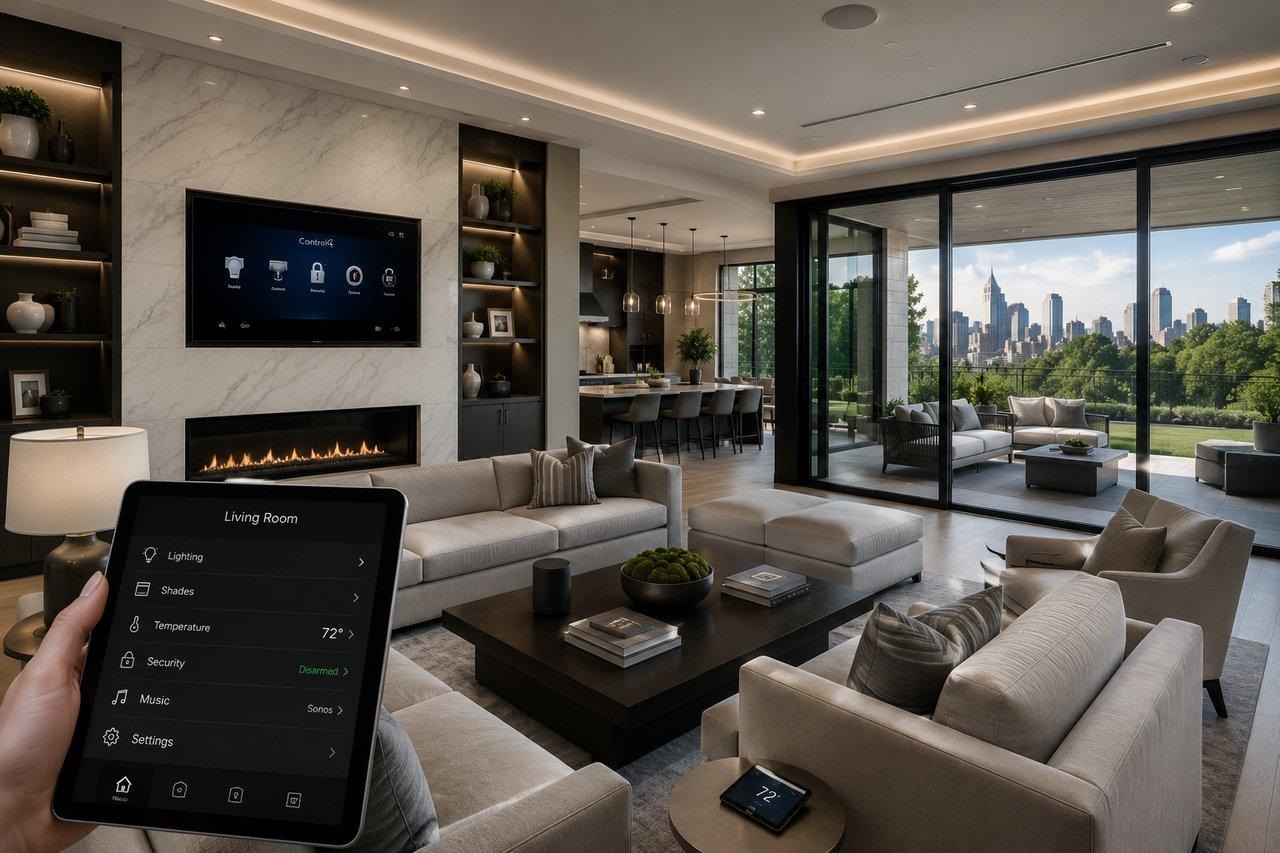
Imagine adjusting your home’s temperature before arriving from work, checking whether the front door is locked, or receiving an alert when a water leak is detected while you’re traveling.
These everyday conveniences are becoming increasingly accessible through modern smart home technology.
Remote monitoring and control services allow homeowners to observe connected devices, receive notifications, and manage compatible household systems through smartphones, tablets, and other digital interfaces.
From lighting and security cameras to heating systems and smart locks, automation can make residential properties more comfortable and easier to manage.
However, creating a reliable smart home requires more than installing connected gadgets. Compatibility, internet connectivity, privacy, cybersecurity, installation quality, and ongoing costs all influence the results.
This comprehensive guide explores how remote home monitoring works, its major advantages, common applications, installation considerations, and practical tips for American homeowners.
What Are Remote Monitoring and Control Services?
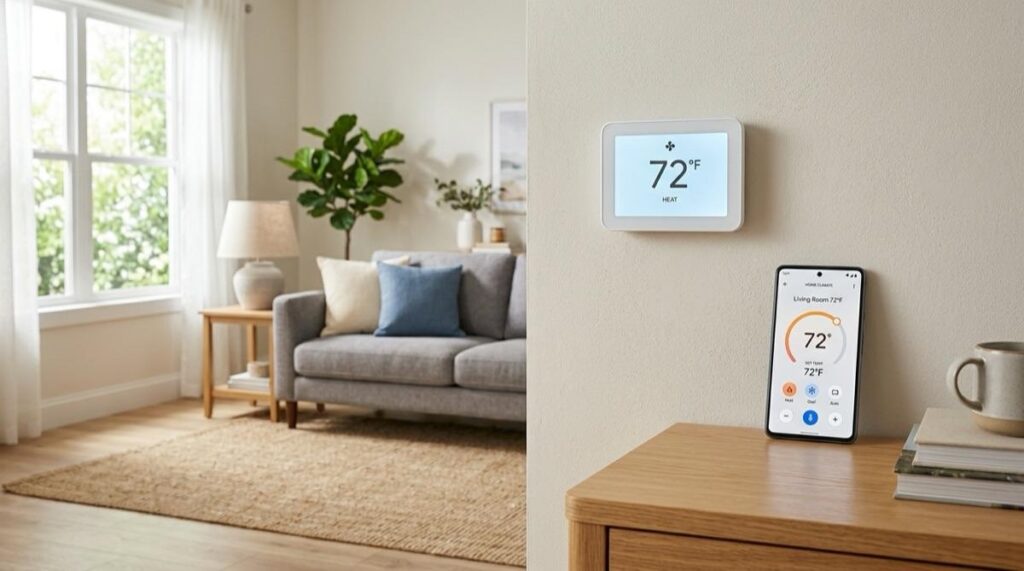
Remote monitoring and control services are technology-based solutions that allow users to observe and manage compatible equipment without being physically present.
In residential settings, these systems typically connect smart devices through a home network and a supported application.
Depending on the equipment, homeowners can monitor temperature, view camera feeds, control lighting, manage door locks, and receive notifications about specific events.
Remote Monitoring vs. Remote Control
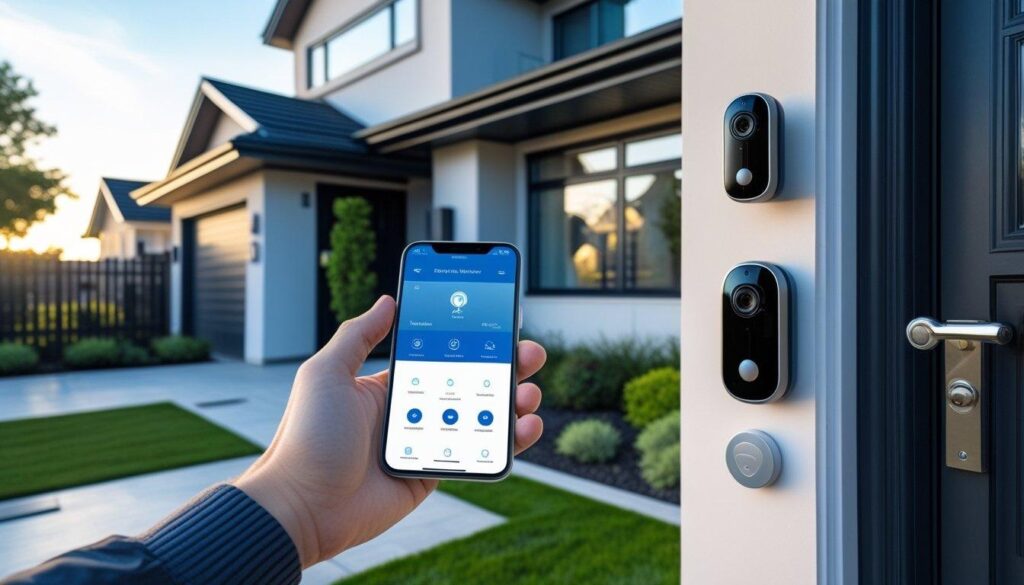
Remote monitoring provides information about what’s happening inside or around your home.
For example, a water sensor might notify your phone when moisture is detected.
Remote control allows you to take an action, such as changing thermostat settings or switching off compatible lighting.
Many modern smart home systems combine both functions.
How Home Automation Works
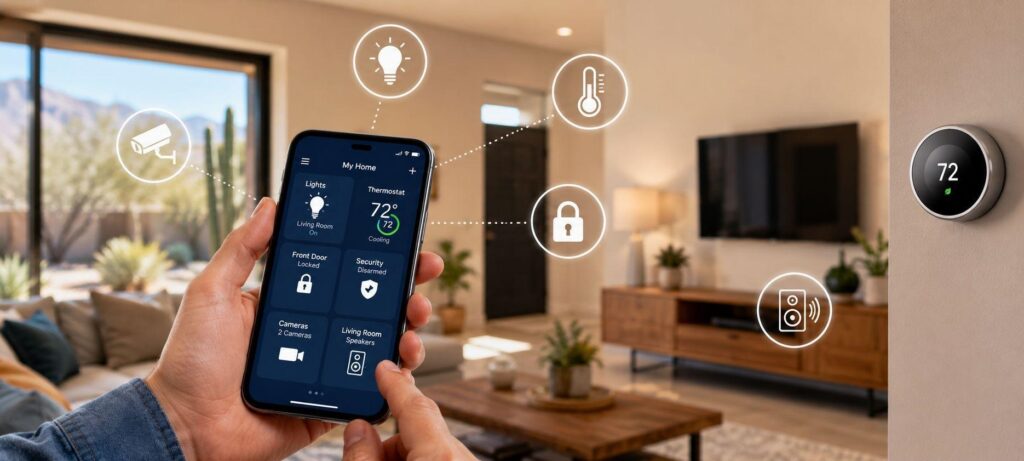
Smart devices use communication technologies such as Wi-Fi, Thread, Zigbee, or other supported networking protocols.
A mobile app, automation hub, or compatible controller connects the devices and provides a convenient interface.
Some automations operate locally, while others depend on internet access or cloud services.
The exact capabilities vary by manufacturer and system configuration.
Why Are Smart Home Automation Systems Becoming Popular?
Smart home technology appeals to homeowners looking for convenience, better information about their properties, and greater control over everyday routines.
An article published by Urban Splatter in January 2021 explored the benefits of home automation, including savings, safety, convenience, comfort, and peace of mind.
These remain useful themes when evaluating today’s remote monitoring and control services.
Since that article appeared, device compatibility standards and consumer cybersecurity guidance have continued to develop.
The key is selecting technology that solves real household problems rather than adding unnecessary complexity.
1. Monitor Your Home From Almost Anywhere
One major advantage of remote monitoring is convenient access to information when you’re away.
Check Connected Devices
A compatible application may show whether selected lights are on, doors are locked, or the indoor temperature has changed.
This can be helpful during workdays, vacations, and extended trips.
Receive Useful Notifications
Connected sensors can send alerts about detected movement, unusual temperature conditions, or water leaks.
However, notifications depend on functioning equipment, connectivity, and correct configuration.
Not every alert represents an emergency, and not every problem will be detected.
2. Improve Home Security Awareness
Smart home security systems can help homeowners observe selected areas of their property.
Video Doorbells and Cameras
Video doorbells may provide motion alerts, live viewing, and recordings of visitors or deliveries.
Outdoor cameras can offer visibility around entrances, driveways, and other permitted locations.
Camera placement should respect household privacy and applicable local recording laws.
Smart Locks
Compatible smart locks may allow owners to check lock status, provide temporary access credentials, and receive entry notifications.
Features vary, and physical security still depends on door construction, hardware quality, and correct installation.
Security Monitoring Services
Some alarm systems support professional monitoring through paid subscriptions.
Professional monitoring differs from simply receiving alerts on your phone.
Ask whether the service provides human review, emergency dispatch coordination, backup communication, and coverage during power outages.
Connected security products can improve awareness but cannot guarantee that intrusions or property losses will be prevented.
3. Manage Heating and Cooling More Efficiently
Heating and cooling account for a substantial share of household energy use.
Smart thermostats can make temperature management more convenient.
Schedule Temperature Adjustments
Homeowners may program temperature changes around daily routines.
For example, a compatible thermostat can reduce unnecessary heating or cooling while the house is unoccupied.
Adjust Settings Remotely
A smartphone application may allow you to change the temperature before returning home.
Some systems also support occupancy detection and automatic schedules.
Potential Energy Savings
ENERGY STAR reports that homes with high heating and cooling expenses, or those empty for much of the day, can save approximately $100 annually with a certified smart thermostat.
Actual savings vary by climate, equipment, household behavior, and previous settings.
Check HVAC compatibility before purchasing a thermostat.
4. Make Everyday Routines More Convenient
Automation can reduce the need to perform repetitive household tasks manually.
Smart Lighting Schedules
Compatible lights can switch on around sunset or turn off at a scheduled bedtime.
Some systems support motion-triggered lighting in hallways and entryways.
Personalized Home Scenes
A single command can adjust several devices together.
For example, an evening routine might dim living room lights, lower compatible window shades, and set a comfortable temperature.
Voice and App Controls
Certain platforms support voice commands alongside smartphone controls.
However, manual switches and straightforward alternatives remain useful when connectivity or accessibility becomes an issue.
A good smart home should simplify everyday life rather than require constant troubleshooting.
5. Detect Water Leaks Earlier
Water damage can create expensive maintenance problems, particularly when leaks go unnoticed.
Smart Water Sensors
Connected moisture sensors may detect water near appliances, plumbing fixtures, and other vulnerable locations.
Common installation areas include beneath sinks, near washing machines, and around water heaters.
Automatic Water Shutoff
Some compatible systems can operate a motorized shutoff valve when a leak is detected.
This may reduce damage under suitable circumstances, but it doesn’t eliminate every potential plumbing failure.
Professional installation may be needed when modifying water supply equipment.
6. Monitor Vacation Homes and Rental Properties
Remote monitoring can be useful for homeowners who manage a property they don’t occupy every day.
A compatible system may provide temperature alerts, leak notifications, and selected security information.
Vacation Property Benefits
An owner might receive a warning about unusually low indoor temperatures during winter or check whether the HVAC system remains operational.
This can support earlier investigation of potential problems.
Rental Property Considerations
Landlords must respect tenant privacy, lease conditions, and applicable laws.
Monitoring occupied interior spaces without appropriate authorization can create serious privacy issues.
Focus on lawful property protection measures rather than intrusive surveillance.
7. Understand Smart Home Compatibility
Not every connected device works with every automation platform.
Before buying equipment, determine which ecosystem you want to use.
What Is Matter?
Matter is a smart home interoperability standard developed through the Connectivity Standards Alliance.
It is designed to improve communication between supported devices and platforms.
Compatible products can use technologies such as Wi-Fi, Ethernet, and Thread, depending on their design.
Does Matter Solve Every Problem?
No. Device categories, features, hubs, and platform support still vary.
Remote access to some Matter devices requires an internet-connected controller.
Look for confirmed compatibility with your specific equipment rather than relying on general advertising.
8. Protect Smart Home Privacy and Security
Connected devices can collect information about household routines, movement, temperature preferences, and other activities.
Privacy deserves attention before installation.
Use Strong Authentication
Create unique passwords for smart home accounts and enable multifactor authentication when available.
Avoid reusing passwords across unrelated services.
Update Device Software
Enable automatic security updates when supported.
Devices that no longer receive security support may become increasingly risky.
Review Camera Privacy
Consider where cameras are installed, who can access recordings, and how long footage is retained.
Disable unnecessary microphones, recording features, or data sharing when possible.
Secure Your Home Network
Use modern Wi-Fi encryption and a strong router password.
A separate network for certain connected devices may improve isolation, although some local smart home systems require additional configuration to remain compatible.
NIST recommends reviewing privacy settings and security practices throughout a device’s life.
9. Choose Between DIY and Professional Installation
Some smart home products are designed for straightforward consumer setup.
Others involve electrical wiring, security integration, network planning, or plumbing modifications.
DIY Installation
Simple smart plugs, certain sensors, and compatible wireless devices may be manageable for homeowners who follow the instructions.
Check existing equipment before starting.
Professional Installation
A qualified professional may be appropriate for hardwired switches, advanced security equipment, motorized shades, integrated controllers, or complicated network installations.
Electrical work should meet applicable codes and licensing requirements.
Questions to Ask an Installer
Confirm device compatibility, setup costs, training, warranty coverage, and who will control the administrator accounts.
Ask whether the system continues functioning during internet outages.
Ensure all passwords and account ownership are transferred appropriately after installation.
10. How Much Does Smart Home Automation Cost?
Costs depend on the number of devices, their capabilities, installation complexity, and recurring services.
A basic arrangement using a few smart plugs and lights may cost considerably less than a fully integrated property-wide system.
Upfront Equipment Costs
Purchases may include sensors, cameras, switches, thermostats, hubs, and networking equipment.
Installation and Setup
Professional wiring, programming, and system integration can add to the initial expense.
Recurring Subscriptions
Cloud video recording, cellular backup, professional security monitoring, and advanced automation features may require monthly or annual fees.
Long-Term Ownership
Consider replacement batteries, software support, equipment upgrades, and future compatibility.
Request an itemized quotation rather than comparing systems using advertised starter-package prices alone.
How to Plan Your First Smart Home System
Start by identifying the problem you want to solve.
For example, a homeowner worried about water damage may prioritize leak sensors over decorative lighting.
Someone seeking better temperature management may start with a compatible certified thermostat.
Step 1: Establish Your Goals
Decide whether your priority is energy management, security awareness, convenience, or property maintenance.
Step 2: Check Your Internet and Wi-Fi
Reliable connectivity is important for many monitoring and remote-access functions.
Step 3: Select Compatible Devices
Confirm platform support, security updates, and any required hubs.
Step 4: Configure Privacy Settings
Review passwords, authorized users, camera permissions, and notification preferences.
Step 5: Test Real-World Scenarios
Verify alerts, schedules, power-loss behavior, and remote access before depending on the system.
Common Smart Home Automation Mistakes
One mistake is purchasing multiple devices without checking whether they work together.
Another is assuming that remote alerts guarantee professional emergency response.
Homeowners may overlook subscription fees, privacy settings, weak passwords, and unsupported older devices.
Avoid allowing unfamiliar installers to retain unrestricted administrative access.
Don’t use ordinary smart plugs to control equipment that exceeds their electrical ratings or requires continuous operation.
Finally, remember that home automation is a convenience and monitoring tool, not a replacement for properly installed smoke alarms, carbon monoxide alarms, or essential home safety measures.
Frequently Asked Questions About Remote Monitoring and Control Services
What Are Remote Monitoring and Control Services?
They are systems that let homeowners observe and manage compatible connected devices from a phone, tablet, or another supported interface.
Can I Control My Smart Home While Traveling?
Usually, yes, if the devices support remote access and the necessary internet connection and services remain operational.
Do Smart Home Systems Reduce Electricity Bills?
Some devices, especially appropriately used smart thermostats, can reduce energy consumption. Actual savings depend on the household and equipment.
Do I Need Professional Installation?
Not always. Basic wireless devices may support DIY setup, while electrical, plumbing, and advanced security integrations may require qualified professionals.
Can Smart Home Devices Work Without the Internet?
Some local functions can continue working, depending on the platform. Cloud-dependent features and off-site access may become unavailable.
Are Smart Home Security Cameras Safe?
They can introduce privacy and cybersecurity risks. Strong authentication, software updates, secure networks, and carefully configured permissions help reduce those risks.
What Is the Difference Between Self-Monitoring and Professional Monitoring?
Self-monitoring sends alerts directly to the user. Professional monitoring involves a separate service that may assess alarms and coordinate responses according to its agreement.
Is Smart Home Automation Worth the Investment?
It can be worthwhile when the selected features solve practical problems and the benefits justify equipment, installation, and subscription costs.
Conclusion: Make Your Home Smarter With Reliable Remote Control
Remote monitoring and control services can make residential properties more convenient, responsive, and easier to manage.
From smart thermostats and lighting schedules to leak detection and security notifications, connected technology offers practical ways to improve everyday household management.
However, successful automation depends on choosing compatible equipment, maintaining strong cybersecurity, and understanding the limitations of each service.
Start with essential features, confirm privacy and security settings, and expand only when additional devices provide genuine value.
With thoughtful planning and reliable installation, smart home automation can create a more comfortable, connected, and manageable living environment for American homeowners.

Written by Twastia Editorial Team
Twastia Editorial Team shares practical insights about website design, SEO services, Google Ads, content marketing, social media, conversion rate optimization, and digital marketing strategy.
Last updated: Oct 15, 2026
Related posts from Twastia
Explore more useful articles from twastia.com about digital marketing, SEO, websites, ads, content, and growth strategy.