Auto DFU Cable for iPhone: 5 Powerful Reasons to Buy
Mobile device repair technicians and iOS software developers frequently restore unresponsive devices. Using an Auto DFU Cable for iPhone provides an efficient, […]
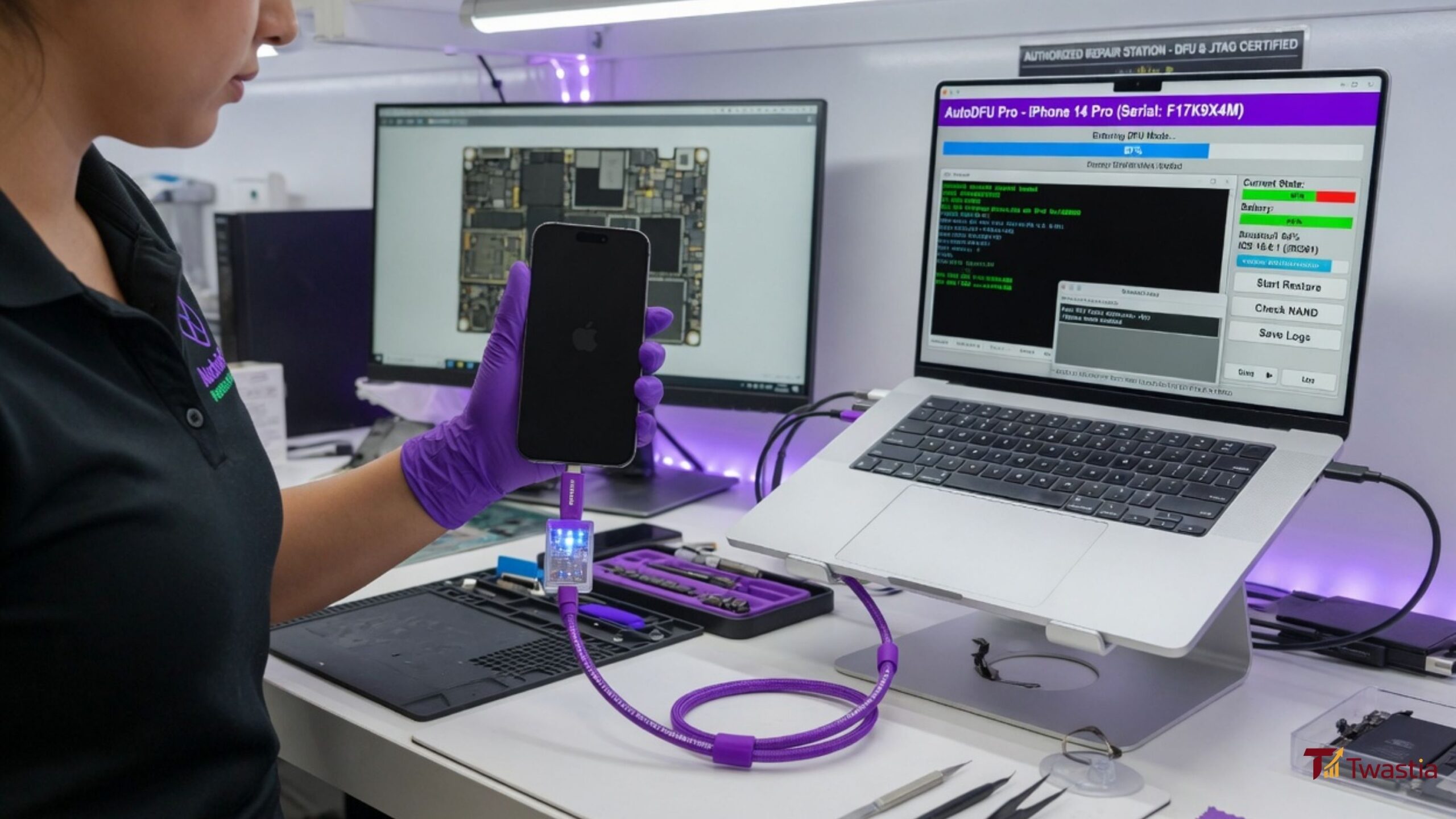
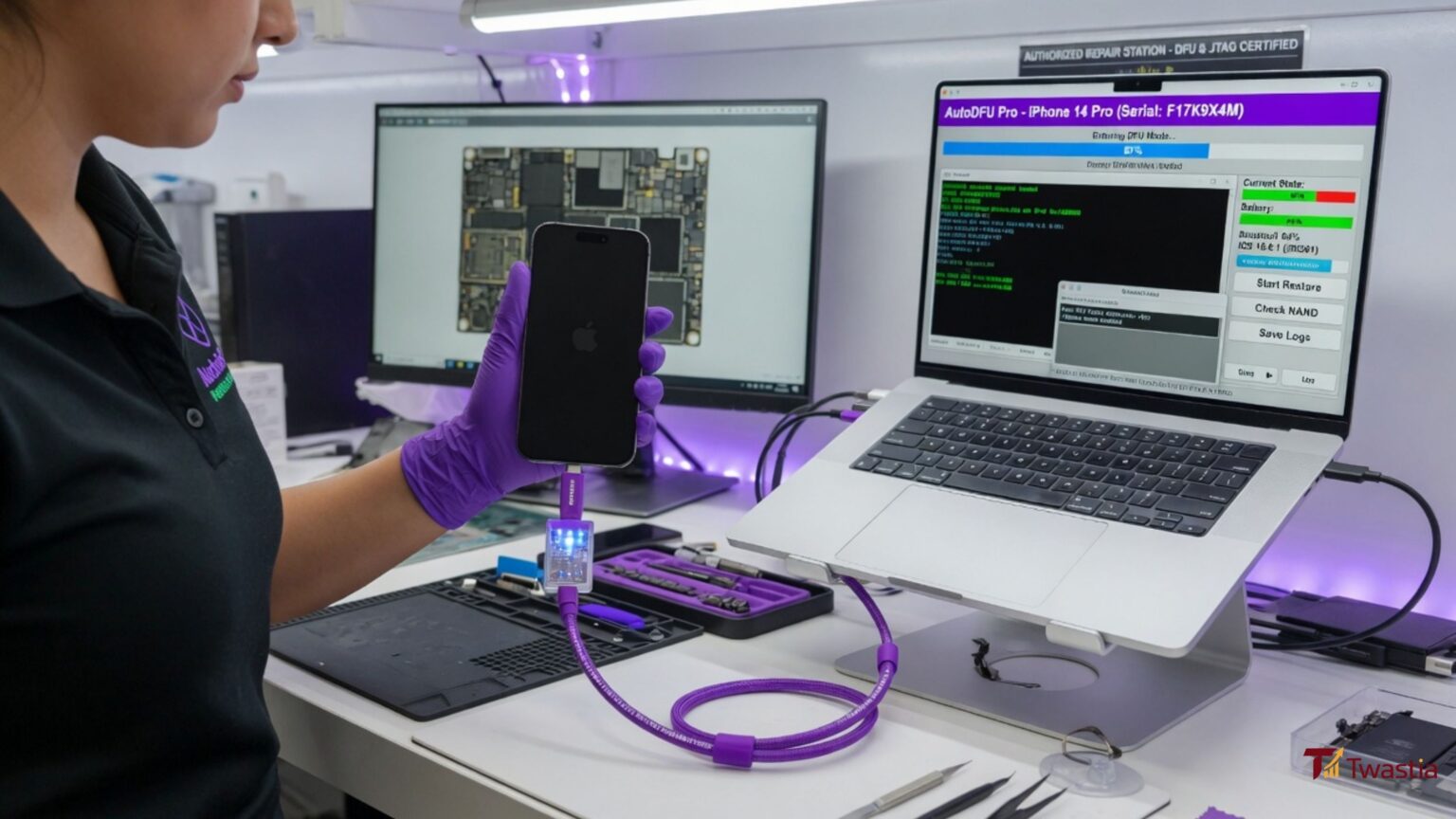
Mobile device repair technicians and iOS software developers frequently restore unresponsive devices. Using an Auto DFU Cable for iPhone provides an efficient, automated solution for putting iOS hardware into Device Firmware Update (DFU) mode instantly. Traditionally, accessing DFU mode required pressing complex hardware button combinations with precise timing. When devices suffer broken home buttons, damaged volume keys, or severe boot loops, manual button combinations become impossible. In contrast, an automated recovery cable utilizes built-in engineering resistors to signal the iPhone motherboard directly upon connection. Consequently, repair technicians bypass broken hardware controls and force unresponsive devices into low-level recovery states within seconds. This technical guide analyzes how auto recovery cables work, hardware pinout mechanics, software compatibility, and repair workflows for modern iOS devices.
Understanding DFU Mode vs Standard Recovery Mode
Understanding low-level software restoration requires distinguishing between standard iOS Recovery Mode and deep Device Firmware Update (DFU) Mode.
| Operating Parameter | Standard iOS Recovery Mode | Deep DFU Mode State |
|---|---|---|
| Visual Screen State | Displays “Connect to Computer” graphic | Completely black blank screen |
| Bootloader Status | iBoot bootloader remains active | iBoot bootloader is entirely bypassed |
| Firmware Flashing Level | Standard high-level OS restoration | Low-level motherboard controller flashing |
| Manual Access Method | Hold button combinations until screen turns on | Complex timed button holds while screen stays black |
| Auto DFU Cable Access | Instant automated entry upon plugging in cable | Instant automated entry without physical buttons |
While standard Recovery Mode relies on the active iBoot system, DFU mode bypasses iBoot completely. Therefore, using an Auto DFU Cable for iPhone allows technicians to flash clean firmware files even when the main operating system suffers severe corruption.
5 Powerful Reasons to Use an Auto DFU Cable for iPhone
Integrating automated recovery hardware into your repair workflow delivers clear operational advantages. Below are five key benefits.
1. Bypasses Broken Hardware Buttons
Physical volume and power buttons frequently fail on damaged devices. An Auto DFU Cable for iPhone sends the hardware grounding signal directly through the Lightning interface pins. Consequently, technicians access recovery modes without replacing damaged flex cables first.
2. Saves Critical Repair Time During Batch Flashing
Manually timing button presses across dozens of devices wastes valuable labor hours. Plugging in an automated cable triggers recovery modes in under three seconds. As a result, commercial refurbishing centers accelerate batch software flashing workflows significantly.
3. Resolves Infinite Boot Loops and Logo Hangs
Devices stuck in software boot loops often ignore manual button inputs completely. An Auto DFU Cable for iPhone forces the target device’s power management IC (PMIC) to halt standard startup sequences, forcing the system into a stable flashing state immediately.
4. Enables Purple Mode and NAND Diagnostics
Advanced repair platforms utilize auto cables to boot iPhones into “Purple Mode.” This specialized engineering state allows micro-soldering technicians to read, write, and repair underlying NAND memory data without removing physical chips from the motherboard.
5. Seamless Compatibility with Repair Software
Automated recovery cables integrate natively with major software platforms, including 3uTools, iTunes, Finder, and specialized hardware repair software. Consequently, computer software detects target devices instantly upon connection.
Hardware Pinout Mechanics of an Auto DFU Cable for iPhone
Automated hardware entry relies on specific internal resistor configurations embedded within the cable connector housing.
text+-----------------------------------------------------------------------------------------+
|                        CABLE CONNECTOR HARDWARE PINOUT                                  |
+-----------------------+----------------------------------+------------------------------+
| Lightning Cable Pin   | Internal Configuration           | Electrical Hardware Function |
+-----------------------+----------------------------------+------------------------------+
| Pin 1 (GND)           | Ground Reference Line            | Completes baseline circuit   |
| Pin 4 (ID0 / ACC1)    | Grounded via 523kΩ Resistor      | Signals DFU recovery request |
| Pin 5 (DN)            | Data Negative Line               | USB High-Speed Data Sync     |
| Pin 6 (DP)            | Data Positive Line               | USB High-Speed Data Sync     |
+-----------------------+----------------------------------+------------------------------+
By pulling the ID pin to ground through a precise 523kΩ resistor, the cable simulates official factory test fixtures. Therefore, the iPhone processor initializes in DFU mode during boot.
Device Flashing Pipeline Using an Auto DFU Cable for iPhone
Executing a clean software restoration using an automated cable follows a structured technical workflow.
| Phase 1: Connection | Phase 2: Detection | Phase 3: Restoration |
|---|---|---|
| Cable Insertion | Software Recognition | Clean IPSW Flashing |
| Power off target iPhone and connect the Auto DFU Cable to your computer’s USB port. | Computer software detects device in DFU mode with a completely black screen. | Select target IPSW firmware file and execute clean restoration process. |
Following this structured pipeline prevents firmware flashing errors and ensures high recovery success rates on damaged hardware.
Comparative Analysis: Manual Mode vs Auto DFU Cable for iPhone
Evaluating traditional recovery methods against automated hardware solutions demonstrates clear performance gains.
| Performance Metric | Traditional Manual Button Method | Auto DFU Cable Method |
|---|---|---|
| Average Entry Speed | 30 to 60 Seconds (When successful) | 2 to 5 Seconds (Instant execution) |
| Success Rate on First Try | Under 50% (Highly timing-dependent) | Over 98% (Automated hardware signal) |
| Dependency on Buttons | 100% Dependent on working keys | 0% Dependency on physical buttons |
| Operator Fatigue | High during multi-device batches | Zero (Simple plug-and-play operation) |
As shown in this comparison, adding an Auto DFU Cable for iPhone to your repair bench eliminates timing errors and increases daily repair throughput.
Conclusion: Upgrading Your Technical Bench Tools
Streamlining mobile software recovery requires reliable hardware tools. As detailed throughout this technical guide, adopting an Auto DFU Cable for iPhone provides a fast, automated solution for flashing unresponsive iOS devices. By bypassing broken physical buttons, sending automated grounding signals via engineered internal resistors, and integrating seamlessly with software utilities like 3uTools, automated cables eliminate diagnostic friction. Furthermore, enabling specialized Purple Mode access allows micro-soldering specialists to execute deep NAND memory repairs efficiently. Ultimately, investing in an automated recovery cable accelerates repair workflows, lowers labor costs, and maximizes recovery success rates for damaged mobile hardware.
Frequently Asked Questions (FAQs)
What is an Auto DFU Cable for iPhone?
It is a specialized USB cable engineered with internal resistors that force an iPhone into DFU recovery mode automatically.
Why is the screen completely black in DFU mode?
DFU mode bypasses the main iOS operating system and iBoot bootloader entirely, leaving the display unpowered while accepting low-level firmware instructions.
Can an Auto DFU Cable fix an iPhone stuck on the Apple logo?
Yes, it halts infinite boot loops by forcing the device into a low-level flashing state where clean firmware can be installed.
Does an Auto DFU Cable work if physical buttons are broken?
Yes, the cable triggers recovery mode electronically through the Lightning port pins without requiring physical button presses.
Which software utilities support an Auto DFU Cable for iPhone?
Automated cables work seamlessly with Apple iTunes, macOS Finder, 3uTools, and specialized micro-soldering diagnostic software.
Will putting an iPhone into DFU mode erase my personal data?
Yes, flashing firmware in DFU mode completely wipes internal storage to install a clean version of the iOS operating system.

Written by Twastia Editorial Team
Twastia Editorial Team shares practical insights about website design, SEO services, Google Ads, content marketing, social media, conversion rate optimization, and digital marketing strategy.
Last updated: Jul 25, 2026
Related posts from Twastia
Explore more useful articles from twastia.com about digital marketing, SEO, websites, ads, content, and growth strategy.