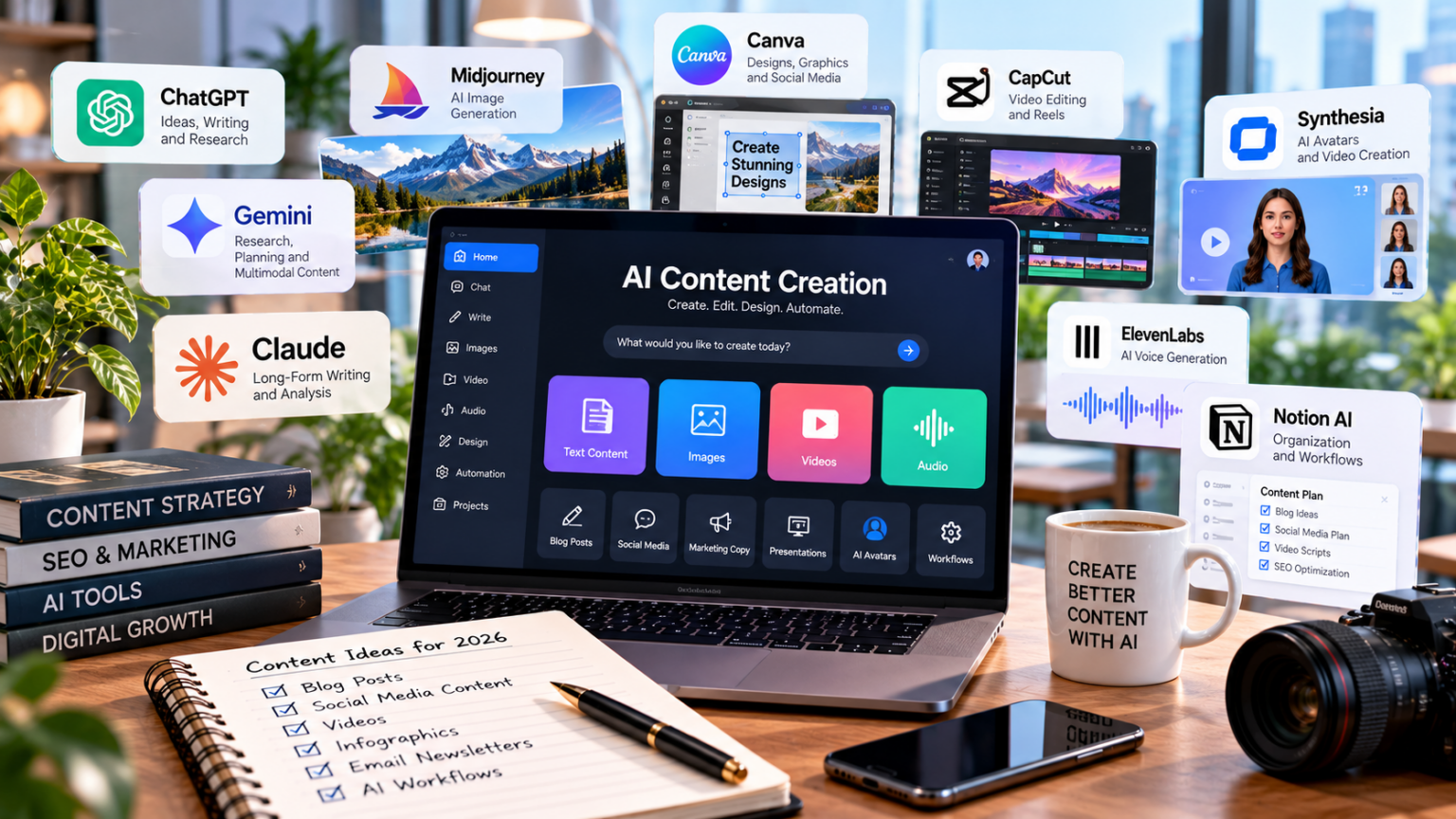
The Best AI Tools for Content Creation in 2026
Most lists of AI content tools rank everything against everything. A research assistant lands next to a video editor. A […]
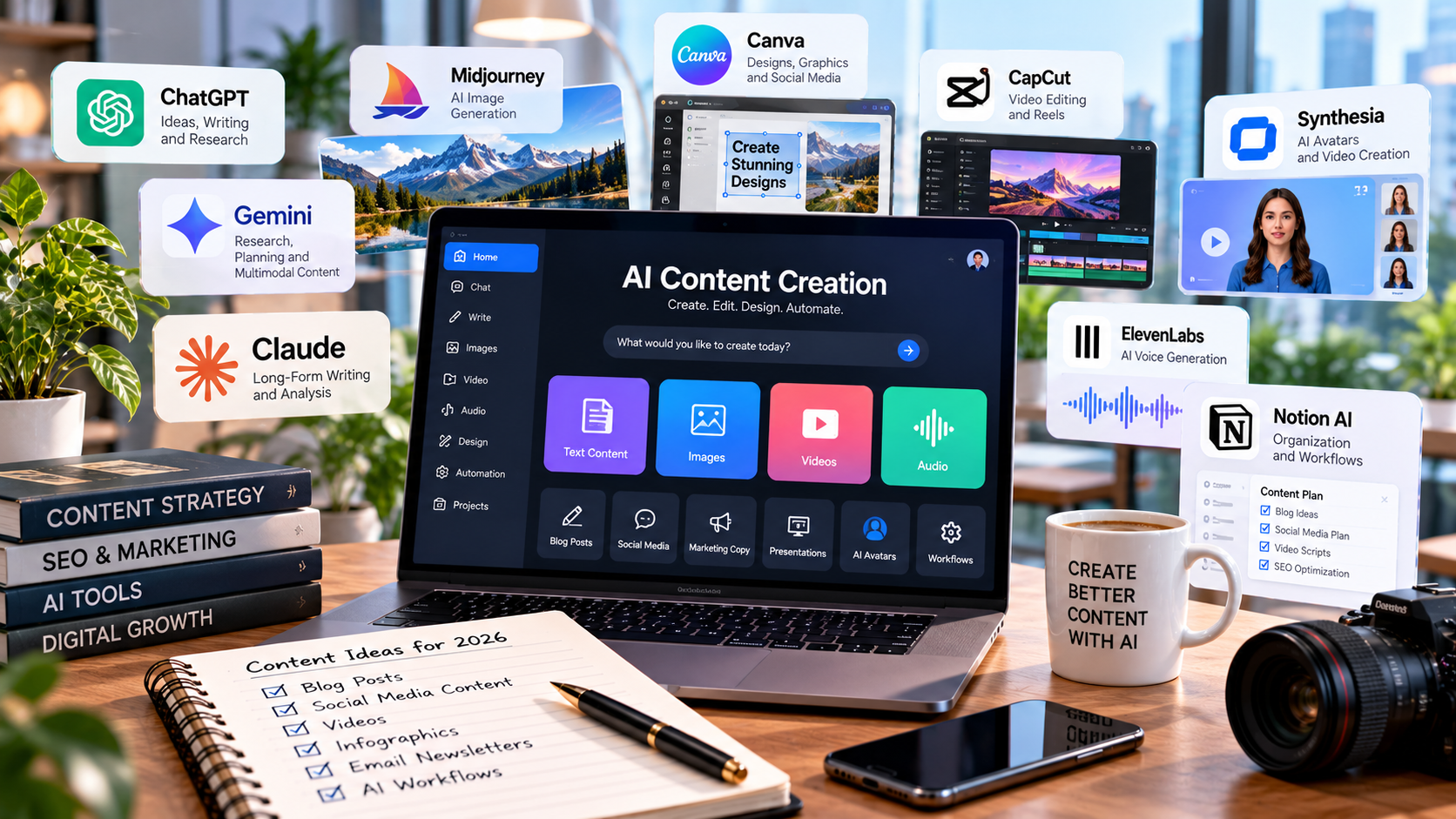
Most lists of AI content tools rank everything against everything.
A research assistant lands next to a video editor. A grammar checker lands next to a full production platform. None of it helps you build a stack that works.
Here is a better way to look at it.
Content creation is a workflow. Every piece moves through the same stages, and each stage has a tool that does that job best.
This guide maps the best AI tools for content creation to the stage where each one earns its keep. It is written for B2B marketing teams that publish long form content and want every piece to sound like the company behind it.
The Seven Stages of a Content Workflow
Here is the workflow this list is built around.
- Production: turning a topic into a researched, reviewed, CMS ready draft.
- Capture: getting expert and customer knowledge out of calls and interviews.
- Research: finding and verifying facts with sources attached.
- Optimization: making published pages findable in search and AI answers.
- Polish: line editing against your style rules.
- Visuals: graphics that match your brand.
- Repurposing: turning articles and interviews into video and audio.
Production comes first for a reason. It is the spine. Every other stage either feeds it or extends what it ships.
What We Looked For
Each tool had to own one stage cleanly, keep brand context intact, and publish its pricing. We checked features and pricing against each vendor’s own site. Pricing changes often, so confirm the current numbers before you buy.
Comparison Table: Best AI Tools for Content Creation in 2026
| Tool | Workflow Stage | Best For | Entry Price |
|---|---|---|---|
| Oleno | Production | B2B SaaS content teams | $299/mo (1 user) |
| Otter.ai | Capture | Expert and customer interviews | Free; Pro $8.33/user/mo annual |
| Perplexity | Research | Sourced fact finding | Free; Pro $17/mo annual |
| Clearscope | Optimization | Search and AI visibility | $129/mo |
| Grammarly | Polish | Line editing at scale | Free; Pro $12/member/mo annual |
| Canva | Visuals | On brand graphics | Free; Pro $12/mo annual |
| Descript | Repurposing | Video and podcast editing | Free; paid from $16/person/mo |
The 7 Best AI Tools for Content Creation, Stage by Stage
1. Oleno Stage: Production
Oleno is an AI content platform for B2B SaaS marketing teams that need to publish high-quality content without turning their marketers into prompt engineers. It is the spine of this stack. Every other tool here handles one stage. Oleno handles the path from topic to published draft.
Each article moves through the same sequence: topic selection, research, brief, outline, draft, quality review, and CMS handoff. Marketers step in where judgment matters, on the angle, the argument, the proof, and the structure. AI handles the production work around those decisions.
Oleno asks for your positioning, product facts, customer proof, and brand rules before it writes a word. That is the point. Those inputs are what keep draft 40 as sharp as draft one, and every draft is scored against more than 80 criteria before it reaches a human editor. Pricing is $299 per month with one user included and $60 for each additional user, per Oleno’s pricing page.
Standout Features
- Governance Studio: Stores positioning, product facts, audience segments, and brand rules that guide every draft.
- Automated QA Gate: Scores each draft against more than 80 criteria, including structure, clarity, brand alignment, and information gain, before human review.
- Topic to CMS Pipeline: Moves each piece through research, brief, outline, draft, and review, then hands off a CMS ready draft.
- Storyboard: Plans content volume across streams and timelines from one view.
- Social Distribution: Turns published articles into platform specific social posts.
| ✓ Pros | ✕ Cons |
|---|---|
| Covers topic selection through CMS handoff in one platform | Built for long form B2B content, not ad copy or video |
| Structured inputs keep product facts consistent across writers, agencies, and freelancers | Every reviewer and partner needs a paid seat |
| Drafts clear more than 80 QA criteria before an editor sees them | Consumer brands get less from its B2B focus |
| Marketers make the calls without writing prompts | |
| Published pricing with one user included |
2. Otter.ai Stage: Capture
The best B2B content starts in conversations. Customer calls, sales calls, and subject matter expert interviews hold the specific details generic drafts never have. Otter.ai captures them.
Otter joins Zoom, Microsoft Teams, and Google Meet to write and share notes automatically on every plan. Pro runs $8.33 per user per month on annual billing, with 1,200 monthly recording minutes and integrations with Salesforce, HubSpot, and Zapier, per Otter’s pricing page. Feed those transcripts into your production system and drafts start with real customer language.
Standout Features
- Automatic Meeting Notes: Joins Zoom, Teams, and Google Meet calls and writes shareable notes.
- AI Chat: Answers questions across your transcripts, with monthly query limits set by plan.
- Otter MCP Server: Connects meeting data to compatible AI tools, included on the free Basic plan.
- File Imports: Transcribes interviews and webinars recorded elsewhere.
| ✓ Pros | ✕ Cons |
|---|---|
| Free Basic plan includes 300 minutes per month | Basic caps each conversation at 30 minutes |
| Covers the three major video meeting platforms | Pro caps meetings at 90 minutes |
| Salesforce and HubSpot integrations on Pro | File imports are limited on Basic and Pro |
| Business plan removes meeting and recording limits | AI chat queries are capped per user each month |
3. Perplexity Stage: Research
Research is where most AI drafts go wrong. A model states a statistic with total confidence and nobody checks where it came from. Perplexity attacks that problem by attaching inline citations to every answer.
Writers use it to find primary sources fast, then verify them before anything goes into a brief. Pro starts at $17 per month on annual billing and adds deep research, model selection, and premium data sources such as PitchBook, Statista, and S&P Capital IQ, per Perplexity’s pricing page. Treat it as a research assistant. Its job ends where the brief begins.
Standout Features
- Inline Citations: Attaches sources to every answer so writers can trace each claim back.
- Deep Research: Runs longer research tasks and returns a sourced report.
- Premium Data Sources: Pulls from PitchBook, Statista, and S&P Capital IQ on Pro and Max.
- Model Selection: Lets Pro users pick among top AI models for each query.
| ✓ Pros | ✕ Cons |
|---|---|
| Every answer includes inline citations | Not built for long form drafting or brand voice |
| Free plan covers light research | Citations still need checking against the original source |
| Premium data sources on paid plans | Free plan has daily usage limits |
| Fast for scoping a topic before briefing | Highest limits sit on the $167 per month Max plan |
4. Clearscope Stage: Optimization
Publishing is not the finish line. Pages need to rank in Google and show up when buyers ask ChatGPT or Gemini for a recommendation. Clearscope tracks both.
Clearscope now positions itself as a discoverability platform for search engines and AI answer engines. Every plan includes query tracking across ChatGPT and Gemini, query fan out visibility, and unlimited users. Essentials starts at $129 per month with 50 tracked queries and 50 pages, per Clearscope’s pricing page. Use it on published pages to find what needs a refresh, then send the refresh back through production.
Standout Features
- AI Query Tracking: Tracks specific queries across ChatGPT and Gemini on every plan.
- Query Fan Out Awareness: Shows the web searches AI platforms run behind a prompt.
- Protect: Monitors published content over time to catch traffic loss.
- Unlimited Seats: Every plan includes unlimited users and projects.
| ✓ Pros | ✕ Cons |
|---|---|
| Unlimited users on every plan | Essentials caps tracked pages at 50 |
| No contracts and plan changes any time | Extra drafts cost $50 each on Essentials |
| Free onboarding and training | Entry price runs higher than single user tools |
| Classic search and AI answers tracked in one place | AI query tracking covers ChatGPT and Gemini |
5. Grammarly Stage: Polish
Strong drafts still need a final pass. Grammarly handles the line level work: grammar, clarity, tone, and consistency with your style rules.
Pro costs $12 per member per month on annual billing and $30 on monthly billing, per Grammarly’s support center. It includes one brand tone, one style guide, 2,000 AI prompts per member each month, and plagiarism and AI text detection. The style guide is the part teams skip. Load your product names and banned phrases once and every editor gets flagged the same way.
Standout Features
- Style Guides: Flags terms and phrasing that break your team’s rules.
- Brand Tones: Checks copy against a defined brand tone.
- Plagiarism Detection: Compares text against existing sources before you publish.
- AI Text Detection: Flags passages likely written by AI on Pro and Enterprise.
| ✓ Pros | ✕ Cons |
|---|---|
| Free plan includes 100 AI prompts per month | Pro allows one brand tone and one style guide |
| Pro adds plagiarism and AI text detection | Monthly billing runs $30 per member |
| Style guide enforces one set of rules across editors | Edits sentences, not structure or argument |
| Enterprise includes unlimited tones and style guides | Unlimited AI prompts only on Enterprise |
6. Canva Stage: Visuals
Text only articles lose readers. Diagrams, comparison graphics, and social cards make long form content easier to scan and easier to share. Canva gets those visuals made without waiting on a designer.
Pro costs $12 per month billed yearly or $18 month to month and includes up to 5 Brand Kits plus AI tools like Magic Write and Magic Layers. Business adds locked templates, approval workflows, and up to 100 Brand Kits at $20.83 per person per month billed yearly, per Canva’s plan comparison. Locked templates are what keep a team of marketers on brand.
Standout Features
- Brand Kits: Stores logos, colors, and fonts so every graphic starts on brand.
- Magic Layers: Splits flat images into editable layers.
- Locked Templates: Fixes brand elements in place on Business and Enterprise.
- Approval Workflows: Routes designs for sign off before they go out.
| ✓ Pros | ✕ Cons |
|---|---|
| Free plan for basic graphics | Approval workflows require Business |
| Pro costs $12 per month billed yearly | Free plan allows one Brand Kit with 3 colors |
| 100GB of storage on Pro | Free plan caps AI at 20 uses per month |
| Business adds brand controls and approvals | Enterprise requires a sales quote |
7. Descript Stage: Repurposing
One strong article can become a video, a podcast segment, and a dozen social clips. Descript makes that practical because you edit audio and video by editing a transcript.
Underlord, Descript’s AI editing assistant, handles cuts and clip suggestions. Studio Sound cleans up voices recorded outside a studio. Paid plans start at $16 per person per month for Hobbyist, with 10 media hours and 400 AI credits each month, per Descript’s pricing page. Pair it with recorded expert interviews and your subject matter experts become a video channel.
Standout Features
- Text Based Editing: Cuts video and audio by deleting words in the transcript.
- Underlord: An AI editing assistant that handles edits on request.
- Studio Sound: Removes noise and improves voice quality.
- Create Clips: Suggests short moments to cut for social channels.
| ✓ Pros | ✕ Cons |
|---|---|
| Free plan for testing the workflow | Free exports are 720p with a watermark |
| Edits video like a document | AI features draw down monthly credits |
| 4K export on Creator and above | Creator supports up to 3 seats |
| Business adds translation and dubbing in 30+ languages | Business supports up to 5 seats |
How to Stack These Tools
Here is how the pieces connect on a real article.
- Record customer and expert calls in Otter.ai.
- Verify statistics and claims in Perplexity and keep the source links.
- Load the transcripts and sources into Oleno. It runs the brief, outline, draft, and QA, and your team shapes the angle and proof.
- Run the final read in Grammarly against your style guide.
- Build supporting graphics in Canva from locked templates.
- Publish, then track the page in Clearscope and flag refreshes.
- Cut the interview footage into clips in Descript.
One rule holds it together. Company knowledge lives in one place.
When positioning and product facts live in the production system, every other tool feeds it instead of fighting it.
Conclusion and Recommendations
Here is the short version.
For B2B SaaS content teams: Start with Oleno. It turns your positioning, product facts, and customer proof into researched drafts that clear a QA gate before an editor opens them. Every other tool on this list plugs into it.
For teams starting lean: Otter.ai, Perplexity, Grammarly, and Canva all have free plans. Use them to capture, research, polish, and illustrate while you build the rest of the workflow.
For teams with a large published library: Add Clearscope. It shows which pages are losing ground in search and AI answers.
For teams moving into video: Add Descript. Your interviews become clips without a video editor on staff.
No single tool does every stage well. The teams that publish consistently pick a spine for production and plug specialists into it. Start with the spine.
Written by Twastia Editorial Team
Twastia Editorial Team shares practical insights about website design, SEO services, Google Ads, content marketing, social media, conversion rate optimization, and digital marketing strategy.
Last updated: Oct 28, 2026
Related posts from Twastia
Explore more useful articles from twastia.com about digital marketing, SEO, websites, ads, content, and growth strategy.