Designhill logo maker: Best Guide to Creating a Business Logo
A memorable logo helps customers recognize your business across websites, social media, packaging, and advertisements. Whether you’re launching an online […]

A memorable logo helps customers recognize your business across websites, social media, packaging, and advertisements. Whether you’re launching an online store, opening a local service business, or building a personal brand, a consistent visual identity can make your marketing look more professional.
However, designing a logo can feel challenging when you have limited graphic design experience or a small startup budget.
The Designhill logo maker offers an online approach to creating logos using artificial intelligence, templates, icons, fonts, and customizable layouts. Instead of beginning with a blank canvas, users can explore generated concepts and adjust the designs to match their business.
For American entrepreneurs, this can be a convenient starting point. But understanding the platform’s pricing, downloadable file formats, and ownership terms is important before purchasing a design.
This guide explains how Designhill works, its main features, costs, limitations, and the practical steps needed to create a recognizable business logo.
What Is Designhill Logo Maker?
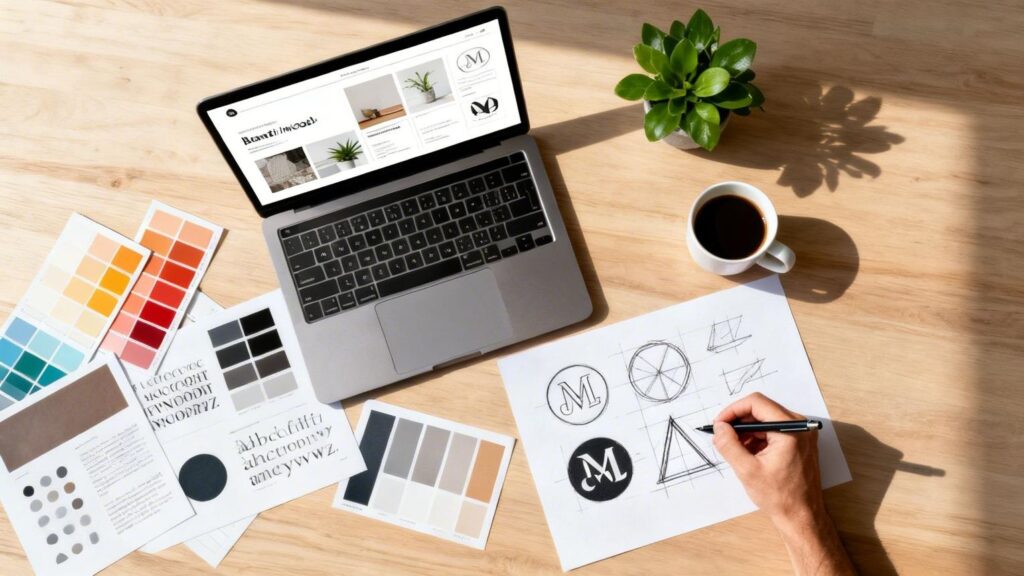
Designhill logo maker is an AI-powered online design tool that helps users generate and customize business logos.
The platform allows entrepreneurs to enter their business names, choose design preferences, and explore logo suggestions.
How the Platform Works
Designhill uses information about your company and visual preferences to generate potential logo designs.
You can review suggested layouts and change elements such as colors, icons, fonts, and positioning.
The process is designed for people who want to experiment without learning advanced graphic design software.
Who Can Use It?
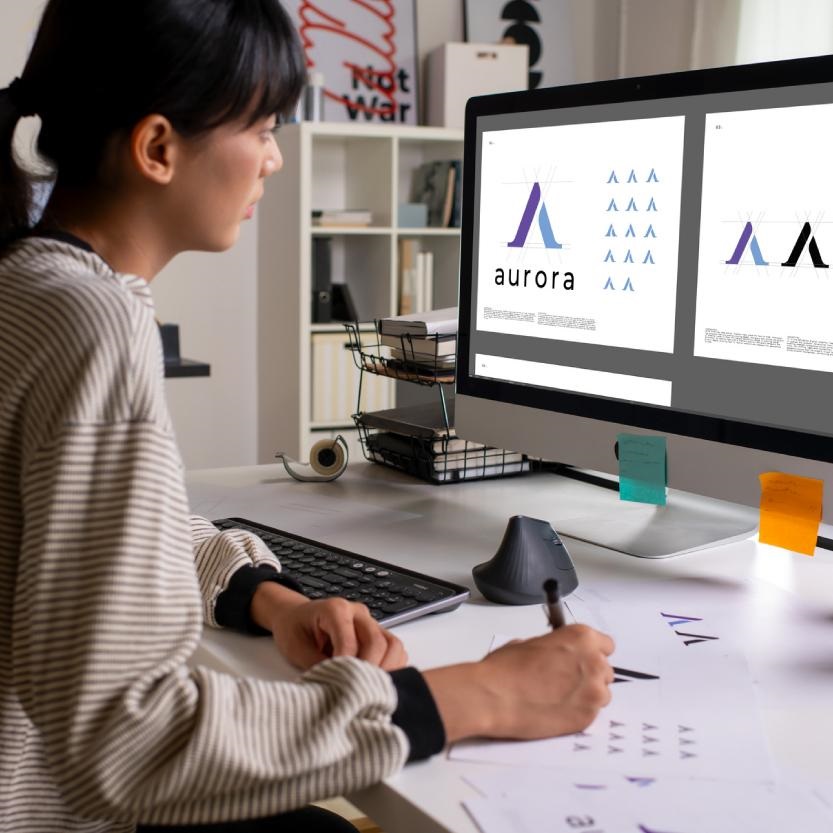
The tool may appeal to small-business owners, freelancers, startups, online retailers, and entrepreneurs launching new services.
It can also help established businesses explore ideas for a refreshed visual identity.
However, generated concepts still require thoughtful evaluation before becoming a permanent brand mark.
Why a Professional Business Logo Matters
A logo is a visual identifier that helps customers distinguish one business from another.
Build Brand Recognition
Repeated exposure to a consistent logo can help people recognize your business across different channels.
Recognition also depends on the quality of your products, services, and customer experience.
Present a Consistent Identity
Using the same mark on your website, social media, invoices, and packaging creates a coordinated appearance.
Inconsistent colors or different logo versions can make marketing materials look disconnected.
Communicate Brand Personality
Typography, colors, shapes, and spacing can suggest different styles.
For example, an elegant wordmark may suit a premium boutique, while a simple geometric design may work for a technology company.
These associations are subjective, so test your design with your intended audience.
How to Use Designhill Logo Maker Step by Step
Creating a logo begins with basic information about your business.
Step 1: Enter Your Business Name
Open the Designhill logo maker and enter the name you want to display.
Use the spelling and capitalization you expect to use commercially.
Step 2: Select Your Industry
Choose an industry that closely matches your business.
This gives the generator useful context for suggesting styles and symbols.
Step 3: Explore Logo Styles
Review the available design preferences and templates.
Choose visual directions that reflect your brand instead of simply following a popular trend.
Step 4: Customize the Design
Adjust colors, typography, icons, gradients, and layout where supported.
Focus on making the result clear and recognizable.
Step 5: Preview Your Logo
Designhill provides previews showing how a design may appear on different branding materials.
Check whether it remains readable at smaller sizes.
Step 6: Choose a Download Package
Once satisfied, select a paid package appropriate for your intended uses.
Review included formats, usage terms, and editing options before purchasing.
Main Features of the Designhill Logo Maker
The platform includes several capabilities intended to simplify logo creation.
AI-Generated Logo Ideas
Designhill generates multiple concepts based on business information and selected preferences.
This can provide a useful starting point for exploring styles.
Customizable Fonts and Colors
Users can experiment with typography and color combinations.
These adjustments help create a visual identity that better matches their products or services.
Icon and Template Library
The platform advertises a large selection of symbols and templates.
Some may suit particular industries, while more abstract designs can offer flexibility across different business activities.
Brand Previews
Mockup previews help users assess a design on business cards, websites, and other materials.
These are design visualizations rather than proof that printed products will look identical.
Downloadable Logo Files
Paid packages provide different file options depending on the level purchased.
Higher-tier plans include files intended for professional digital and print applications.
Is Designhill Logo Maker Free?
This is one of the most important questions for new users.
Free Logo Creation
Designhill states that users can create and experiment with logo concepts without paying.
You can explore alternatives before selecting your preferred design.
Paid Downloads
Creating a logo for free is different from downloading finished commercial assets.
The company’s support documentation explains that a purchase is required to obtain usable logo files and the associated rights offered under the selected package.
Why the Distinction Matters
A free preview may help you evaluate a concept, but it should not be treated as a licensed final logo.
Before committing, check what the payment includes and whether the files suit your business needs.
Designhill Logo Maker Pricing and Packages
Designhill’s published U.S. pricing currently identifies three purchasing options.
Basic Package
The Basic plan is listed at $20 as a one-time purchase.
It provides a lower-resolution logo file intended for simpler needs.
Designhill’s pricing information describes a 600-by-600-pixel file with a colored background.
This may be restrictive for businesses requiring large printed graphics.
Premium Package
The Premium plan is advertised at $65 as a one-time purchase.
It includes higher-resolution assets, vector SVG and EPS files, transparent backgrounds, black-and-white versions, and font and color information.
This is a more suitable file package for businesses expecting to use their logo across multiple formats.
Enterprise Package
The Enterprise option is listed at $125.
It adds assistance from an expert designer alongside the platform’s advertised professional file options.
Review Terms Before Purchase
Package descriptions and promotional prices can change.
Confirm the current checkout details, usage rights, and any limitations on revisions or downloads.
Choosing the Best Logo Colors
Color selection contributes to how your brand looks and feels.
Start With Your Brand Personality
Think about the impression you want to create.
A playful children’s brand may use a different palette from a law office or financial service.
Keep the Palette Simple
A primary color and one or two supporting colors are often enough for a flexible design.
Too many competing colors can make a logo difficult to reproduce.
Check Contrast
Make sure the symbol and text remain visible against light and dark backgrounds.
Good contrast also helps readability on smaller screens.
Avoid Relying Only on Color
A recognizable logo should still make sense when reproduced in black and white.
This matters for documents, single-color printing, and certain promotional materials.
Selecting Fonts and Icons
Typography and symbols should support your business identity.
Choose Readable Typography
Decorative fonts may look attractive at large sizes but become difficult to read on mobile devices.
Test the business name at realistic display sizes.
Match the Font to Your Business
A modern sans-serif font may suit a software company, while a classic serif can complement certain premium brands.
There is no universally correct choice.
Use Relevant Symbols Carefully
Icons can help express an industry or idea, but obvious symbols may be widely used.
Try to distinguish your logo through composition, typography, and thoughtful customization.
Understanding Logo File Formats
A logo should work across digital and physical materials.
PNG Files
PNG files are useful for websites, social media graphics, and presentations.
Transparent PNG files can be placed over different backgrounds.
SVG Files
SVG is a vector format that scales without the pixelation associated with enlarging small raster images.
It is useful for responsive websites and many design workflows.
EPS Files
EPS is commonly used in professional graphic design and print production.
Printers may request vector files for signs, merchandise, or packaging.
Keep Multiple Versions
Save a primary version, a simplified version, and appropriate light or dark variations when available.
Organize the files so your team uses the correct assets consistently.
Logo Ownership, Copyright, and Trademarks
Purchasing logo files does not automatically guarantee that the design is legally unique.
What Designhill Advertises
Designhill states that eligible purchased packages provide ownership rights for the finished logo.
Its explanation also distinguishes the complete composition from individual design elements.
Why Trademark Searches Matter
The U.S. Patent and Trademark Office recommends searching for potentially conflicting trademarks before filing.
Similar names, visual designs, and commercial impressions can create legal problems.
Copyright Considerations
Copyright protection depends on applicable law and the creative elements involved.
The U.S. Copyright Office has explained that purely AI-generated material does not automatically qualify for copyright protection without sufficient human authorship.
Get Advice for Important Brands
Businesses making significant investments in packaging, signage, or nationwide advertising may benefit from professional trademark clearance.
Advantages of Using an Online Logo Maker
Online tools offer practical benefits for certain business situations.
Faster Concept Development
Users can explore multiple directions without spending hours constructing every element manually.
Lower Initial Cost
A paid logo maker package may cost less than a comprehensive custom branding engagement.
However, the services and originality levels are not directly equivalent.
Accessible Editing
Beginners can experiment with familiar controls rather than advanced design software.
Useful Early Brand Testing
Startups can compare different visual concepts before making broader design decisions.
Feedback from potential customers can help refine the result.
Limitations to Consider Before Choosing Designhill
Automated logo makers are not appropriate for every branding project.
Shared Design Elements
Template and icon libraries may be available to many users.
Changing colors alone may not create a sufficiently distinctive identity.
Limited Strategic Guidance
A logo generator does not fully replace audience research, positioning, and professional brand strategy.
Need for Further Refinement
Automated concepts sometimes require adjustments to spacing, typography, and visual balance.
Legal Uncertainty
Even a logo offered with commercial usage rights may resemble an existing mark.
Independent checks remain important.
Designhill Logo Maker vs. Hiring a Designer
The right approach depends on your goals, budget, and project complexity.
When a Logo Maker Makes Sense
A logo maker may suit a new freelancer, local service provider, or small online business seeking an affordable starting point.
When a Professional Designer Helps
A designer can conduct deeper research, develop original concepts, and create a coordinated visual identity across multiple applications.
This can be valuable for businesses with complex positioning or significant branding investments.
Combining Both Approaches
Entrepreneurs can use generated concepts to clarify their preferences before working with a designer.
Designhill also advertises professional logo design assistance for users who want additional support.
Common Logo Design Mistakes to Avoid
Overcomplicating the Design
Too many icons, fonts, or decorative elements can reduce clarity.
Ignoring Small Sizes
A detailed logo may look impressive on a large monitor but become unreadable as a social media profile picture.
Following Trends Blindly
Choose a design that reflects your business instead of copying a temporary visual trend.
Skipping Legal Research
Always investigate potential trademark conflicts before investing heavily in a finished identity.
Frequently Asked Questions About Designhill Logo Maker
1. What is Designhill logo maker?
It is an AI-powered online tool that generates customizable business logo concepts using templates, icons, fonts, and color options.
2. Is Designhill logo maker free?
Creating and experimenting with logo concepts is free, but downloading usable files requires purchasing a package.
3. How much does Designhill cost?
Its currently advertised U.S. one-time prices are $20 for Basic, $65 for Premium, and $125 for Enterprise.
4. Can I customize my generated logo?
Yes. Designhill advertises editing features for colors, fonts, icons, layouts, and other design elements.
5. Does Designhill provide vector files?
Its higher-tier packages advertise SVG and EPS vector assets suitable for scalable design and print use.
6. Can I use my purchased logo commercially?
Designhill advertises commercial usage and ownership rights under applicable purchased packages. Review the current terms before buying.
7. Is a Designhill logo automatically trademark protected?
No. Purchasing a logo does not automatically register a trademark or guarantee that no similar marks exist.
8. Is Designhill suitable for small businesses?
It can be a practical option for startups and small businesses seeking customizable logo concepts without a large initial design budget.
Conclusion
The Designhill logo maker provides an accessible way for entrepreneurs to explore logo ideas, customize visual elements, and develop business branding materials.
Its AI-assisted workflow, template library, editing options, and downloadable file packages make it particularly useful for individuals who want to start the design process without advanced technical skills.
However, creating a professional logo involves more than choosing an attractive icon.
A strong design should remain readable, work across different formats, reflect your business identity, and avoid conflicts with existing brands.
Before purchasing, compare Designhill’s packages, review the included file formats, and understand the ownership conditions.
With careful customization and appropriate legal checks, an online logo maker can become a helpful first step toward building a consistent and recognizable business identity.
Written by Twastia Editorial Team
Twastia Editorial Team shares practical insights about website design, SEO services, Google Ads, content marketing, social media, conversion rate optimization, and digital marketing strategy.
Last updated: Oct 28, 2026
Related posts from Twastia
Explore more useful articles from twastia.com about digital marketing, SEO, websites, ads, content, and growth strategy.