Why a Cloud-Based Phone System is Better for Remote and Hybrid Teams
For remote and hybrid teams, a cloud-based phone system is more effective since it is bound to the user, rather […]
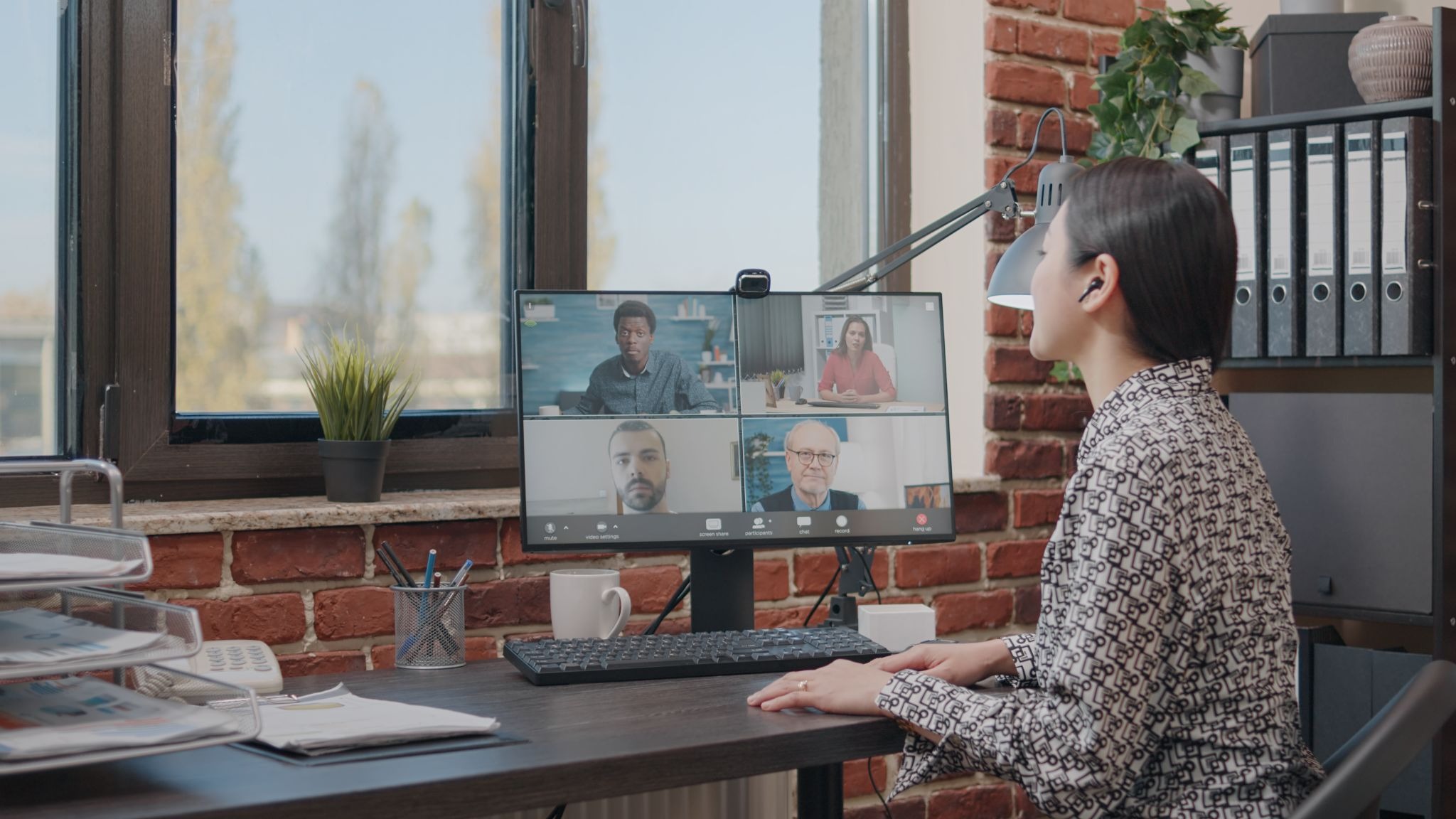
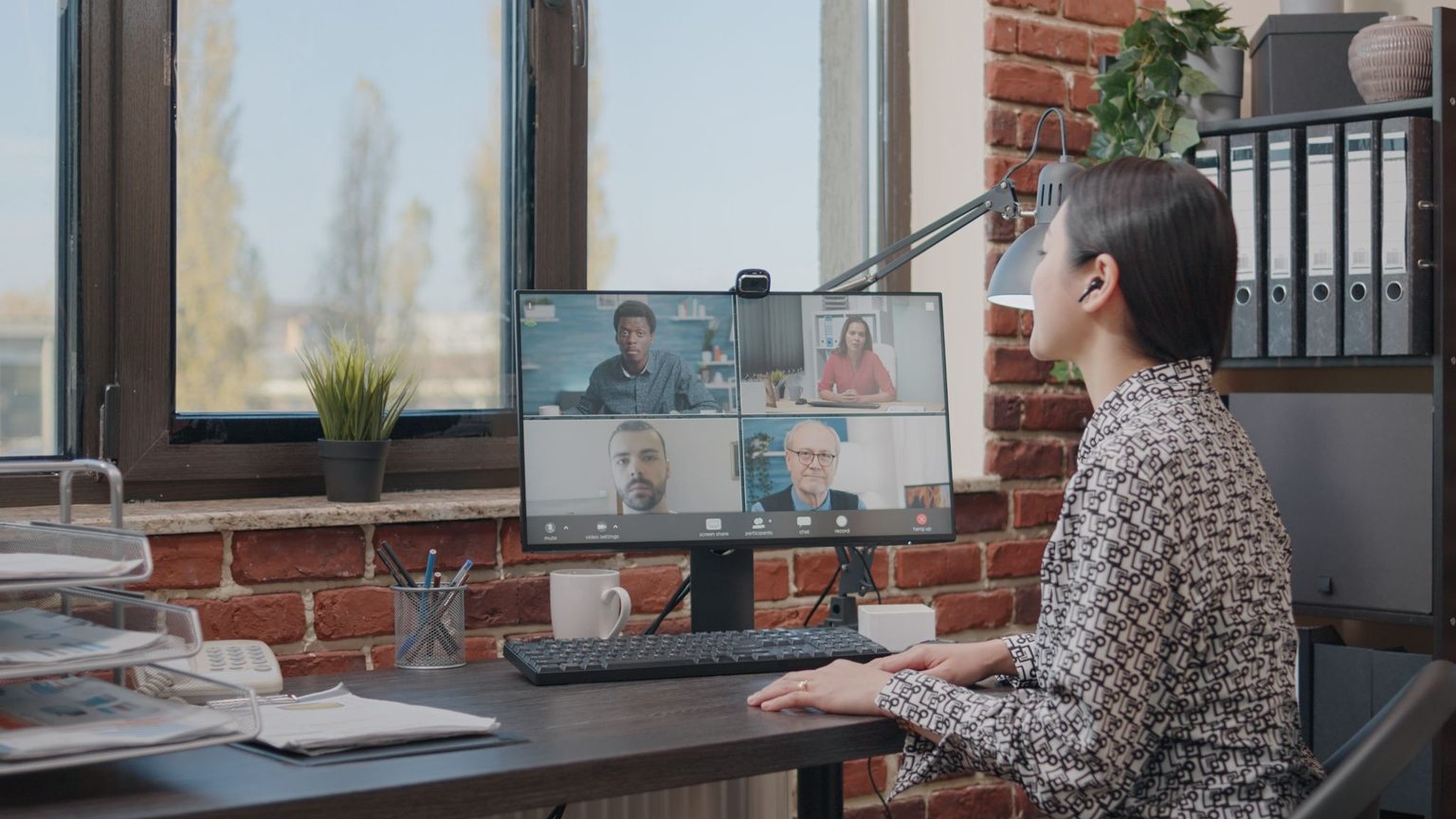
For remote and hybrid teams, a cloud-based phone system is more effective since it is bound to the user, rather than to the phone line. It doesn’t link to the office. Calls are unified with your employees, no matter where they are.
You will also have flexibility, simple scaling, hardware cost savings, and a consistent customer experience. It’s not about the lower call rates. It’s when your team isn’t tethered to a desk to get the job done. Let’s see what that means on a regular Tuesday.
Traditional Desk Phones Assume Everyone Is in the Same Place.
Older setups use one building. An analog phone or a wired desk phone requires cables, equipment, and a closet of equipment. This worked when everyone was in the office. It doesn’t work when individuals divide their week between home and headquarters. Incoming calls ring on empty desks.
They are passed on to staff’s personal mobile phones. Delays and dead air are heard by the customers, and missed calls keep mounting. The workarounds will not look professional, and customers do notice. The fundamental issue is a system that assumes that work occurs in one location. The business phone system for modern hybrid teams is people-oriented, not room-oriented.
One Business Number, Any Device, Any Location
Cloud phone systems route calls via the Internet. This’s known as IP calling, or voice over the Internet. You may use IP phones, mobile apps, desktop apps, or all three. All have the same business number. Laptop to a mobile phone switching during a call is possible with remote workers. The only requirement for remote work is a reliable Internet connection.
Staff also keep their personal numbers private. This protects personal time and work-life balance. Some teams even have multiple phone numbers for various areas or roles. They have one number for the business and another number for the role. It is not part of one cell phone or one place. Provisioning a user takes minutes and needs no contractor visit; standing up the whole system takes longer.
Customers Get the Same Experience, Whoever Answers and Wherever They Are
One thing customers want: a quick answer. Callers are answered by an auto attendant that provides an easy menu. Smart call routing then routes each call to the person who is available. Everyone can be called, and that person may be seated at home or in their office. Business hours are set, and when the caller calls late, their call is directed to the voicemail. Visual voicemail displays the list of calls on your screen.
A virtual receptionist can handle initial contact and route overflow to customer support before a caller ever sits on hold. Fewer unanswered calls means happier customers. Callers shouldn’t have to care where anyone is sitting. Because he or she needs to reach only one person who can help, and there is consistency that fosters trust.
Scaling Up or Down Without Hardware Headaches
Teams are subject to dynamic changes, and a cloud platform facilitates that. An admin can add users from a dashboard in minutes, and no one has to order hardware or ship it out. Mobile apps are deployed to new remote workers from day one.
Staff ramp up and down with seasonal demand. The same setup is provided to remote team members in other countries. It is this aspect that is the most challenging for small businesses. As a business expands, more seats are added to the business. For larger businesses, additional sites are added in the same fashion.
You don’t do the work your provider does. Extra lines are available as an add-on and come with a click. It will require less effort to manage all of them. No one is waiting for a box to come. Growth stays simple.
Lower Upfront Costs and More Predictable Spending
Cost matters, obviously. You will have fewer pieces of hardware required initially; you will avoid most hardware maintenance on-site, and the cost is typically based on the number of heads, which makes costs more predictable. International calling is often cheaper, too, since rates differ, so compare providers. Providers vary in price and features. Instead of expensive lines, voice and data run over the internet.
Savings won’t be guaranteed, but the real advantage is flexibility. The smaller your communications system, the smaller your cost concerns. Finance likes the predictability; sales likes the flexibility. Compare with actual figures before committing to it. Planning the finances becomes easier.
Calls Become Part of the Everyday Workflow
Don’t have your phone on an island. Unified communications combine calls, team messaging, and video together. Cloud-based tools link with Microsoft Teams, Google Workspace, and your CRM. A call comes in. The caller’s record is unlocked. The call is automatically recorded. A follow-up task is displayed. Contact center tools and other advanced features take it further. Staff use several channels at once with no switching between apps.
Calls and text messages are on the same screen. These communication channels are also used to increase productivity and help to focus. Successful remote communication requires technology that is functional and integrated. When each tool communicates, building relationships becomes easier. That’s fewer clicks every day.
Security, Reliability and Business Continuity
Distributed teams come with some risks, and security and uptime are even more important than they are in other configurations. Good providers have encryption and restrict access by role. Admins can manage accounts remotely and remove users in seconds. Data centers that replicate each other will ensure that you have a service running in case of failure. Calls are automatically rerouted when the office is closed.
Customers never hit any dead lines. Not all providers are the same. Before signing, ask three things: Is traffic encrypted end to end? Can admins revoke a user’s access instantly? What’s the uptime guarantee, in writing? A trusted provider shares all three openly. Settings and reports should be reachable from any browser. Resilience is what protects you when the team is apart. All systems crash at some point; the issue is how quickly they recover.
Better Visibility Into How a Distributed Team Communicates
Data covers the gap. Call analytics show wait times, missed calls, and busy hours. Reports show who handles the most calls. Recordings help with coaching when callers consent. Managers spot issues early instead of guessing. Managing workloads gets fairer.
Clear expectations replace vague hunches. Staff see the same numbers. That supports open communication and a better employee experience. Sales leaders also see which calls turn into deals. Each report takes seconds to pull. Review them weekly. Small fixes compound quickly. Distributed teams need visibility. Cloud systems usually include it.
Conclusion
So is a cloud-based phone system worth it for remote and hybrid teams? For most teams, the math favors it, but run your own numbers before you commit. Your staff can answer from anywhere. Customers get the same smooth experience. Your business stops depending on hardware.
Think about how your team works today. Does it look like it did five years ago? If not, your phone system probably should not either.
You know your team best. Pilot it with one group, watch the missed-call rate for a month, then decide.
Written by Twastia Editorial Team
Twastia Editorial Team shares practical insights about website design, SEO services, Google Ads, content marketing, social media, conversion rate optimization, and digital marketing strategy.
Last updated: Nov 18, 2026
Related posts from Twastia
Explore more useful articles from twastia.com about digital marketing, SEO, websites, ads, content, and growth strategy.