Poster Maker From Adobe Express: Create Professional Designs With Ease
Posters are an effective way to communicate ideas, promote products, announce events, and share important information. A carefully designed poster […]
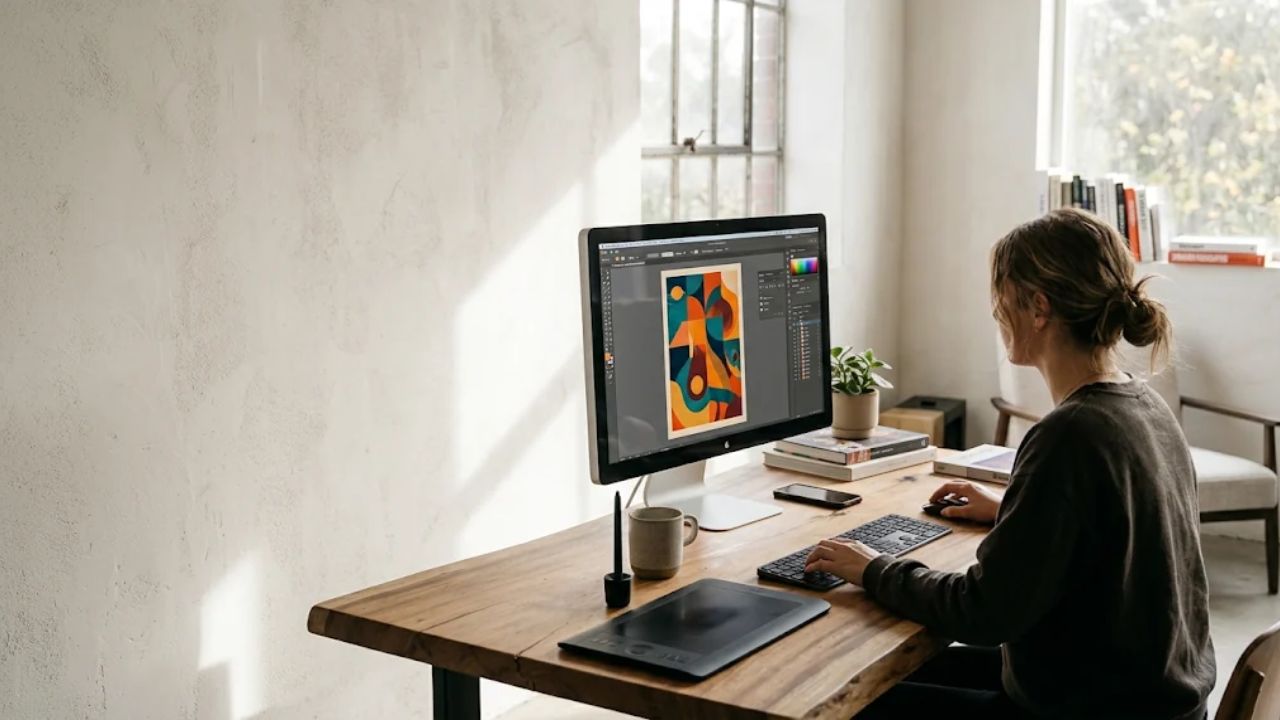
Posters are an effective way to communicate ideas, promote products, announce events, and share important information. A carefully designed poster can attract attention, explain a message, and encourage people to take action. Whether you are a student preparing a school project, a business owner advertising a service, or an event organizer sharing an announcement, having access to convenient design tools can make the creative process much easier.
Modern digital platforms have changed the way people approach graphic design. Instead of creating every element manually, users can explore ready-made layouts, customize visual details, and produce attractive materials from a computer or mobile device.
Understanding the Importance of Poster Design
A poster combines images, colors, headings, and supporting information to communicate a particular message. Its main purpose is to help viewers understand an idea quickly without reading a lengthy explanation.
Businesses use posters to introduce new products, advertise discounts, and promote services. Educational institutions use them for classroom activities, competitions, and awareness campaigns. Individuals may also create posters for birthdays, celebrations, exhibitions, and personal projects.
An effective design should match its purpose and appeal to the intended audience. Clear information and relevant visuals make it easier for people to understand what the poster is communicating.
Getting Started With a Creative Idea
Before designing, identify the subject and decide what information should receive the most attention. A business advertisement might highlight a product’s main benefits, while an event announcement should clearly display its date, time, and location.
Think about the people who will see the finished design. A poster aimed at younger audiences may benefit from energetic colors and playful illustrations. A professional announcement may look better with a clean layout and a limited color palette.
Preparing the wording in advance also helps prevent unnecessary editing during the creative process.
Exploring Templates and Customization Options
Starting with a blank page can sometimes feel difficult, especially for people who have limited design experience. Ready-made templates provide a useful foundation by offering organized layouts and visual arrangements.
The poster maker from Adobe Express provides an accessible starting point for developing different types of promotional and personal designs. Users can explore templates, adjust text, change colors, add images, and personalize various visual elements according to their project requirements.
These customization options make it possible to create designs that reflect a particular event, business identity, or creative idea. Rather than accepting a template exactly as it appears, users can modify its appearance to achieve a more individual result.
Selecting Suitable Colors and Fonts
Color selection plays an important role in establishing the mood of a poster. Bright shades can create an energetic impression, while softer tones may communicate elegance or simplicity. Choose a combination that matches the subject and maintains good contrast between the background and text.
Typography deserves equal attention. The main heading should be noticeable, while additional information should remain easy to read. Using too many font styles can make the design look inconsistent, so it is generally better to select a small number of complementary options.
Consistent spacing and alignment also improve the overall presentation.
Adding Images and Graphic Elements
Relevant images help viewers understand the subject and make the design more engaging. Depending on the purpose, you can include photographs, illustrations, icons, or decorative shapes.
For example, a travel advertisement may feature destination photography, while an educational poster might include diagrams or informative illustrations. Always choose clear visuals that support the central message instead of distracting from it.
A balanced arrangement of images and text creates a more professional appearance.
Preparing Posters for Printing and Online Sharing
Once the design is complete, review its dimensions and intended format. Printed posters should have suitable image quality and sufficient margins to prevent important content from being cropped.
For digital sharing, check whether the text remains readable on smaller screens. Save the finished project in an appropriate format and keep an editable copy for future updates.
Common Design Mistakes to Avoid
Avoid overcrowding the poster with unnecessary information, excessive decorations, or unrelated pictures. Poor contrast and difficult-to-read fonts can also weaken the message. Before publishing, carefully check spelling, dates, prices, and contact information.
Conclusion
Creating an attractive poster becomes easier when the process is supported by convenient digital resources and thoughtful planning. By selecting an appropriate template, choosing balanced colors, adding relevant images, and organizing information clearly, anyone can develop designs for business promotions, educational activities, and personal occasions. A little creativity and careful editing can turn a simple idea into a memorable visual presentation.

Written by Twastia Editorial Team
Twastia Editorial Team shares practical insights about website design, SEO services, Google Ads, content marketing, social media, conversion rate optimization, and digital marketing strategy.
Last updated: Nov 20, 2026
Related posts from Twastia
Explore more useful articles from twastia.com about digital marketing, SEO, websites, ads, content, and growth strategy.