digital deadbolt door lock: Best Guide to Smart Home Security
Home security has changed significantly as technology becomes part of everyday life. Traditional door locks still serve an important purpose, […]
Home security has changed significantly as technology becomes part of everyday life. Traditional door locks still serve an important purpose, but many homeowners now prefer convenient ways to control access without carrying physical keys.
A digital deadbolt door lock combines a mechanical locking bolt with an electronic access system. Depending on the model, homeowners can unlock their doors using a PIN code, fingerprint, smartphone, or another supported authentication method.
These modern locks can be particularly useful for busy households, rental properties, and people who want more control over who enters their homes.
However, not every electronic lock offers the same security, reliability, or connectivity features. Some models operate entirely offline, while others connect to smart home networks and provide remote management capabilities.
For American homeowners, choosing the right product also means considering door compatibility, physical security ratings, installation requirements, and ongoing software support.
This guide explains how digital deadbolts work, their key benefits, common types, installation considerations, security features, and practical tips for choosing a reliable lock.
What Is a Digital Deadbolt Door Lock?
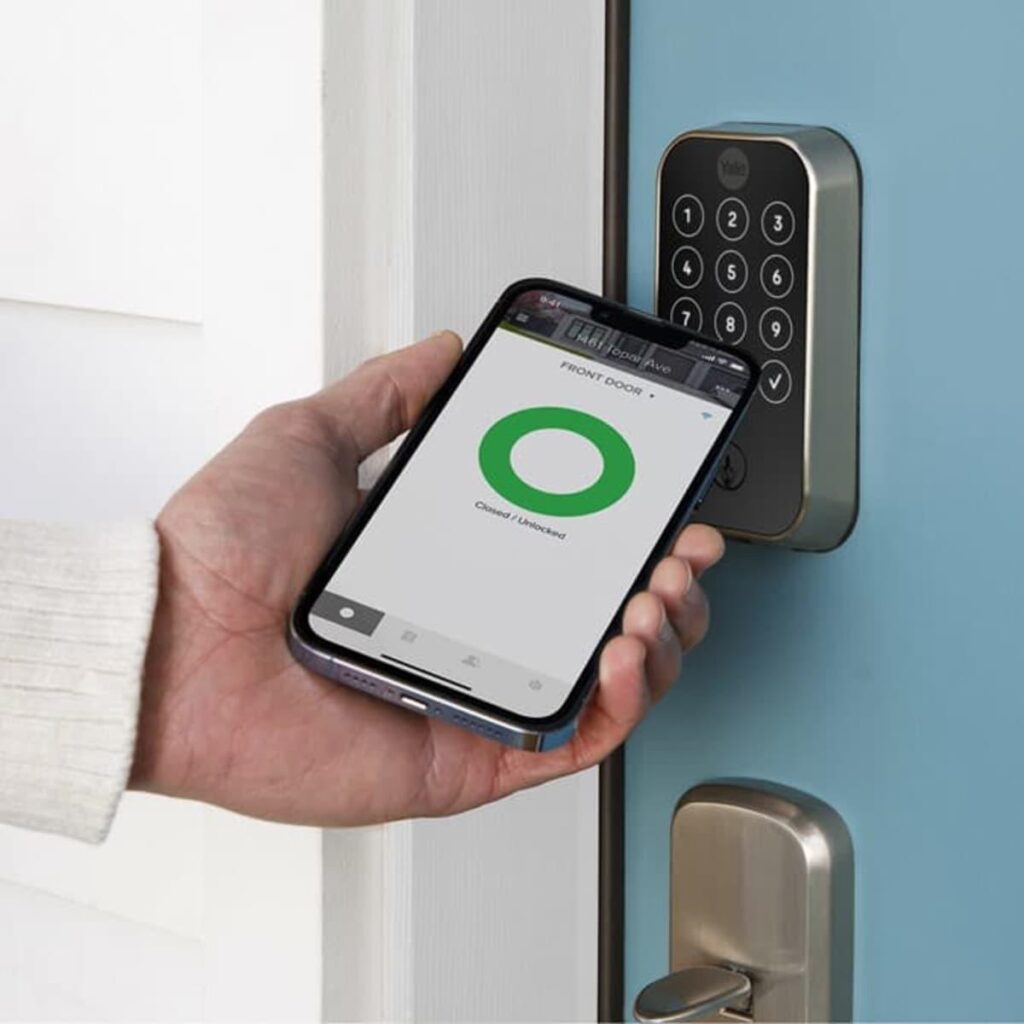
A digital deadbolt is an electronic locking device designed to secure a door using a projecting bolt that engages with the door frame.
Unlike a conventional deadbolt that relies primarily on a physical key, digital models use electronic authentication to control the locking mechanism.
Some products retain a traditional key cylinder as an emergency backup.
How Does an Electronic Deadbolt Work?
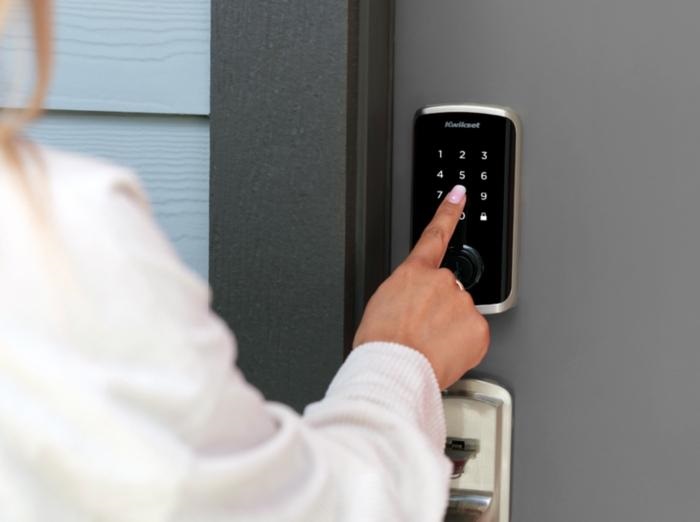
Most digital deadbolts contain a locking bolt, electronic controller, authentication interface, and battery-powered operating mechanism.
When an authorized user enters a code or completes another supported authentication process, the lock allows the bolt to retract.
Depending on its design, the lock may move the bolt automatically or require the user to turn a thumbturn.
Digital Deadbolt vs. Traditional Deadbolt
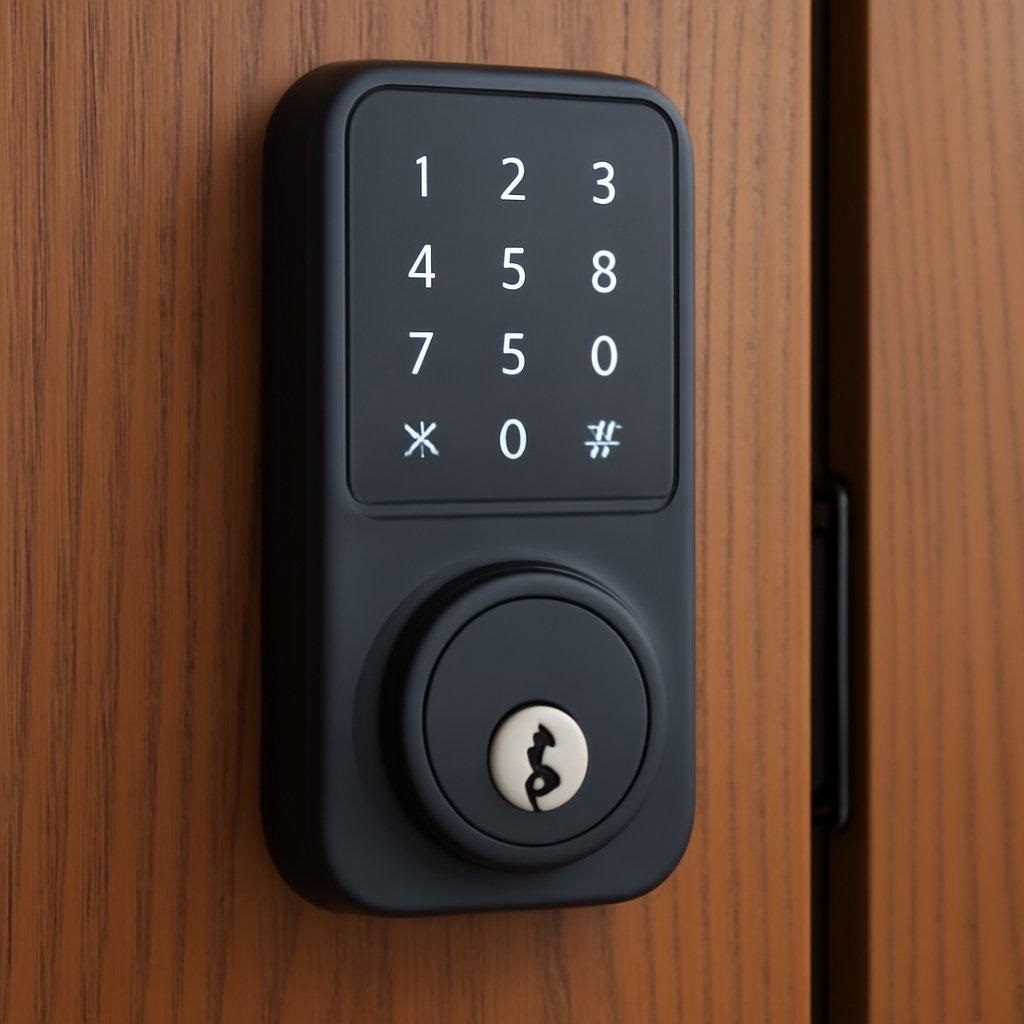
Traditional deadbolts are relatively simple and do not require electronic maintenance.
Digital deadbolts add access-management features but also introduce batteries, electronic components, and sometimes network connectivity.
The better choice depends on household needs, product quality, and personal preferences.
Benefits of Installing a Digital Deadbolt Door Lock
Electronic locks offer several advantages for homeowners seeking convenient access management.
Convenient Keyless Entry
One of the most appealing features is the ability to enter without a physical key.
This can be useful when carrying groceries, returning from work, or managing multiple household members.
A keypad model allows authorized users to enter a code instead of searching for keys.
Individual Access Codes
Some digital locks support multiple user codes.
Homeowners can assign separate codes to household members or approved visitors.
Selected smart models also provide temporary access permissions that can be changed or revoked.
Automatic Locking
Certain models automatically extend the deadbolt after a configured period.
This can help reduce situations where someone forgets to lock the door.
However, homeowners must understand how auto-locking operates to avoid accidental lockouts.
Smart Home Convenience
Connected models may integrate with compatible home automation platforms.
Depending on the product, users can check lock status, manage authorized access, or receive activity notifications.
These conveniences should be balanced against cybersecurity and privacy considerations.
Types of Digital Deadbolt Door Locks
Different authentication technologies offer different user experiences.
Keypad Deadbolt Locks
Keypad locks require users to enter an authorized PIN.
They are popular because they provide straightforward keyless access without necessarily requiring an internet connection.
Choose a model with clear controls and appropriate protection against repeated incorrect entries.
Fingerprint Deadbolt Locks
Fingerprint models use biometric sensors to recognize enrolled users.
They can offer convenient access, but reliability depends on sensor quality, finger condition, and environmental factors.
Always check for alternative unlocking methods in case fingerprint recognition fails.
Bluetooth Smart Locks
Bluetooth locks communicate with nearby compatible devices.
They may allow smartphone-based control without requiring constant internet connectivity.
Remote access generally requires additional networking capabilities or a compatible gateway.
Wi-Fi-Enabled Smart Locks
Wi-Fi models can offer remote access and status notifications through an internet-connected application.
These features are useful for some households but require appropriate network security and software maintenance.
Important Security Features to Look For
A digital lock should be evaluated as both a physical security product and an electronic device.
Tested Mechanical Strength
The deadbolt, strike plate, mounting hardware, and door frame all contribute to physical security.
The Builders Hardware Manufacturers Association provides certification programs for residential locking hardware.
The ANSI/BHMA A156.40-2025 standard addresses residential deadbolt durability, security, and finish performance.
Look for independently documented certification rather than assuming a modern-looking product is secure.
Wrong-Code Protection
Some electronic locks temporarily restrict access after repeated incorrect code attempts.
This can help discourage simple guessing attacks.
However, lockout behavior and security limitations vary by model.
Tamper Alerts
Selected products provide audible alarms or notifications when unusual activity is detected.
An alert may provide useful information, but it cannot guarantee prevention of unauthorized entry.
Emergency Access
Check whether the lock offers a mechanical key override, external emergency power connection, or another documented backup method.
Understanding these features is especially important for doors without a convenient secondary entrance.
Exploring Digital Deadbolt Products From HOZ
Homeowners researching a digital deadbolt door lock may encounter HOZ, a Singapore-based digital lock retailer offering various electronic door security products.
The supplied older product-category URL is no longer accessible, but HOZ’s current digital lock catalog includes deadbolt options and related smart lock products.
Digital Lock Product Selection
HOZ lists digital locking products from manufacturers including igloohome, Philips, Aqara, Lockin, and Zigbang.
Its catalog allows shoppers to compare unlocking methods such as PIN codes, fingerprints, RFID cards, Bluetooth, and Wi-Fi.
Features depend on the individual model.
Available Deadbolt Options
HOZ currently lists products such as the igloohome Deadbolt Go and igloohome Deadbolt IGB4.
Its catalog also contains selected Aqara smart lock products.
Buyers should review each model’s technical specifications because not every digital lock listed uses the same deadbolt construction or installation method.
Installation and Warranty Services
HOZ advertises professional installation with its digital lock purchases in Singapore.
The company also describes manufacturer warranty coverage and local support arrangements.
These services should not be assumed to apply to American customers.
Important Considerations for U.S. Buyers
HOZ primarily serves Singapore’s residential market.
Before considering an imported model, confirm U.S. door compatibility, electrical and radio requirements where applicable, warranty eligibility, available parts, and local installation support.
An overseas product may use different door preparation dimensions or hardware arrangements.
Digital Deadbolt Door Lock vs. Smart Mortise Lock
Digital deadbolts and electronic mortise locks are both used for access control, but their installation requirements differ.
Digital Deadbolt Construction
A typical residential digital deadbolt fits into a prepared lock opening and operates a separate bolt.
Some models are designed to replace existing standard deadbolts.
Others may require different mounting or preparation methods.
Mortise Lock Construction
A mortise lock uses a larger mechanism installed inside a pocket cut into the door edge.
Many mortise systems combine locking and handle functions.
Changing from a mortise system to a standard deadbolt is not always straightforward.
Choosing the Appropriate Type
Inspect the existing door hardware before purchasing.
Consider door thickness, backset, bore-hole dimensions, strike placement, and handle clearance.
A professional locksmith can help identify compatible replacements.
How to Choose the Best Digital Deadbolt for Your Home
A successful purchase begins with matching the lock to the door and intended users.
Check Door Compatibility
Measure the door thickness and verify the lock’s supported dimensions.
Check whether the existing holes and strike plate arrangement match the manufacturer’s instructions.
Some doors require additional preparation, which may affect warranty or fire-rating requirements.
Choose Suitable Access Methods
Consider how different household members prefer to unlock the door.
A simple keypad may be sufficient for many homes.
Households seeking remote management may prefer connected models with appropriate backup access.
Evaluate Battery Requirements
Most residential electronic deadbolts use replaceable or rechargeable batteries.
Battery life depends on motor activity, connectivity, environmental conditions, and usage frequency.
Choose a product with clear low-battery warnings and accessible backup procedures.
Review Software Support
For connected locks, investigate the manufacturer’s update policy and mobile application compatibility.
A physically durable lock can still become inconvenient if its companion software is no longer supported.
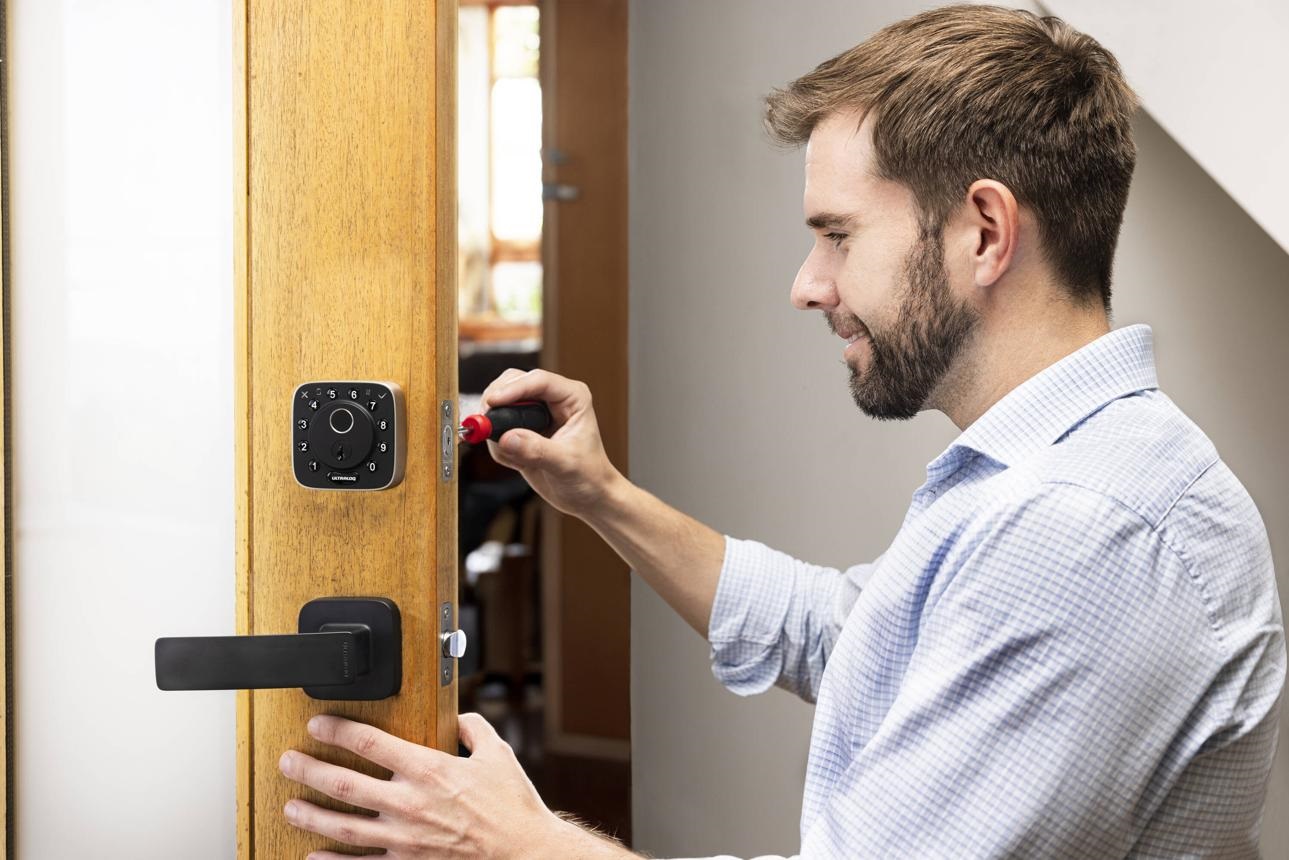
How to Install a Digital Deadbolt Door Lock
Some models are designed for homeowner installation, but others require professional fitting.
Step 1: Inspect the Existing Door
Check the door’s alignment, thickness, hardware openings, and overall condition.
A poorly aligned door can place unnecessary stress on the locking mechanism.
Step 2: Confirm Product Dimensions
Review the manufacturer’s installation template before removing existing hardware.
Do not assume every electronic deadbolt fits every residential door.
Step 3: Fit the Hardware
Follow the supplied instructions when mounting the bolt, exterior keypad, and interior electronic assembly.
Avoid forcing components or modifying electrical wiring.
Step 4: Configure Access
Enroll authorized users and replace temporary factory codes where applicable.
Review access permissions before placing the lock into regular use.
Step 5: Test Door Operation
Test locking and unlocking with the door open first.
Check that the bolt moves freely and that the door closes without excessive force.
Verify backup access before relying on the lock.
Smart Lock Cybersecurity and Privacy Tips
Connected door locks should receive the same cybersecurity attention as other internet-connected household devices.
Use Strong Account Credentials
The Federal Trade Commission recommends changing default passwords and avoiding reused credentials.
For connected smart locks, use strong account passwords and enable multifactor authentication when available.
Keep Applications Updated
Manufacturers may release firmware updates to correct security problems or improve reliability.
Install supported updates and review the product’s continued support status.
Protect Your Home Network
Use appropriate Wi-Fi encryption, keep router firmware updated, and avoid weak administrative passwords.
Consider separating smart home devices from computers containing sensitive information when your router supports that arrangement.
Manage Guest Access Carefully
Remove temporary codes when they are no longer needed.
Review authorized users periodically, especially after changes in household occupancy or property management.
How Much Does a Digital Deadbolt Door Lock Cost?
Pricing varies depending on construction, authentication features, connectivity, brand, and installation requirements.
Basic Electronic Models
Simple keypad deadbolts generally focus on local keyless entry.
They may suit homeowners who do not need smartphone connectivity.
Advanced Smart Locks
Connected models may include fingerprint access, remote controls, event histories, and platform integrations.
These additional capabilities can increase both initial cost and technical complexity.
Installation Expenses
Professional installation costs depend on door preparation, existing hardware, location, and any required modifications.
Request an itemized estimate before authorizing work.
Maintenance Tips for Digital Deadbolt Locks
Regular care helps preserve everyday reliability.
Replace Batteries Promptly
Respond to low-battery warnings instead of waiting for the lock to stop operating.
Use the battery type recommended by the manufacturer.
Keep the Lock Clean
Clean touchscreens and external surfaces with approved materials.
Avoid spraying cleaning liquids directly into electronic openings.
Inspect Door Alignment
If the lock begins struggling to extend its bolt, check whether the door is properly aligned.
Persistent resistance should be assessed by a qualified professional.
Review Access Permissions
Delete unused codes and remove access for people who no longer need entry.
For connected locks, review account security settings periodically.
Common Mistakes to Avoid When Buying Digital Locks
Ignoring Physical Security Ratings
Convenient authentication does not automatically provide strong mechanical protection.
Look for verified hardware performance.
Choosing Connectivity Without a Need
Remote access is useful for some households but adds networking and account-management responsibilities.
Choose the simplest system that meets your requirements.
Overlooking Emergency Entry
Understand battery-failure procedures before installing the lock.
Avoid products that leave you uncertain about emergency access.
Assuming International Models Fit U.S. Doors
Imported locks may require different mounting dimensions or door modifications.
Always verify specifications.
Frequently Asked Questions About Digital Deadbolt Door Locks
1. What is a digital deadbolt door lock?
It is an electronic locking device that operates a deadbolt using an authorized code, biometric method, smartphone, or another supported access system.
2. Are digital deadbolts safer than traditional locks?
Security depends on mechanical construction, installation quality, electronic protections, and user behavior. Digital features alone do not guarantee better protection.
3. Do digital deadbolt locks require Wi-Fi?
No. Many keypad and Bluetooth models operate without Wi-Fi. Remote internet access usually requires additional connectivity.
4. What happens when a digital lock battery dies?
Backup options vary. Some products provide mechanical keys, emergency power terminals, or low-battery alerts.
5. Can digital deadbolts be installed on existing doors?
Many can, provided the door dimensions and preparation are compatible. Some installations require professional modifications.
6. Are fingerprint deadbolt locks reliable?
Fingerprint performance varies by sensor, environment, and user conditions. A suitable alternative access method is advisable.
7. Can landlords use digital door locks for rental properties?
Digital locks may support convenient access management, but landlords must consider local rental laws, permitted entry procedures, and tenant privacy.
8. Can U.S. customers purchase digital locks from HOZ?
HOZ sells digital locks in Singapore. U.S. shipping, installation, warranty coverage, and local compliance should be confirmed before ordering.
Conclusion
A digital deadbolt door lock can improve everyday convenience by providing keyless access, flexible user management, and optional smart home connectivity.
From basic keypad models to advanced fingerprint and Wi-Fi locks, homeowners can choose features that match their lifestyles and security priorities.
However, selecting a reliable lock requires evaluating more than electronic functionality.
Physical security ratings, door compatibility, emergency access, software updates, and proper installation all contribute to successful ownership.
Before purchasing, compare independently documented hardware performance, review manufacturer support, and confirm that the lock fits your door.
By choosing appropriate technology and maintaining secure access practices, American homeowners can enjoy the convenience of modern digital locking systems while supporting responsible home security.

Written by Twastia Editorial Team
Twastia Editorial Team shares practical insights about website design, SEO services, Google Ads, content marketing, social media, conversion rate optimization, and digital marketing strategy.
Last updated: Oct 27, 2026
Related posts from Twastia
Explore more useful articles from twastia.com about digital marketing, SEO, websites, ads, content, and growth strategy.