Xfinity Customer Service: Phone, Chat & Support Guide
Having trouble with your internet connection, cable TV, mobile service, or monthly bill? Getting the right support can make a […]

Having trouble with your internet connection, cable TV, mobile service, or monthly bill? Getting the right support can make a big difference, especially when you need a quick solution.
Xfinity customer service offers several ways to get assistance, including phone support, online chat, the Xfinity app, and in-person visits. Whether you’re an existing customer or exploring new services, understanding these options can help you avoid unnecessary delays.
Xfinity, a telecommunications brand owned by Comcast, provides internet, television, mobile, and other residential services across the United States. With different services come different technical questions, billing concerns, and account-management needs.
If you’re looking for the best way to contact an Xfinity representative, this guide explains the available support channels, verified contact numbers, common troubleshooting steps, and practical tips for getting assistance.
How to Contact Xfinity Customer Service
There are several ways to reach Xfinity customer support. The best choice depends on your issue and whether you prefer speaking with someone or managing your account online.
1. Xfinity Customer Service Phone Number
The primary Xfinity customer service phone number is 1-800-934-6489 (1-800-XFINITY).
This is Xfinity’s published residential support number. Customers can use it to seek assistance with internet connectivity, television service, billing questions, and account-related concerns.
After calling, you’ll typically encounter an automated system that asks you to identify your account and select the type of assistance needed.
Follow the relevant prompts to reach the appropriate support team. Availability and waiting times may vary.
2. Xfinity Live Chat Support
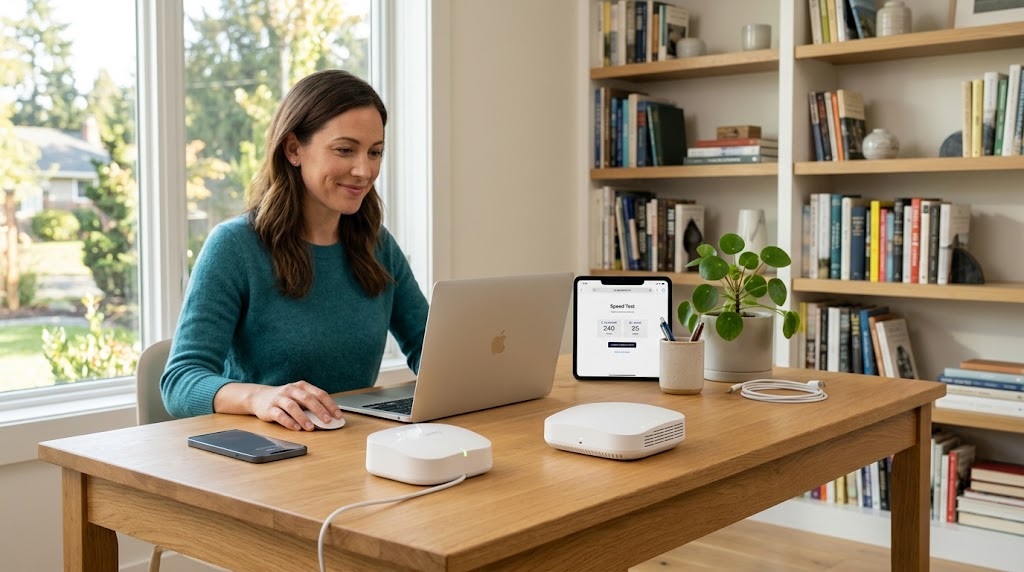
If you prefer not to make a phone call, Xfinity offers online assistance through Xfinity Assistant.
Visit the official Xfinity contact page and select the appropriate help option.
Xfinity Assistant can provide automated troubleshooting guidance, answer common questions, and help direct customers toward additional support.
When available, you may be able to connect with a live representative or request further assistance.
Digital assistance is available around the clock, although this does not guarantee immediate access to a human agent at every hour.
3. Xfinity App Support
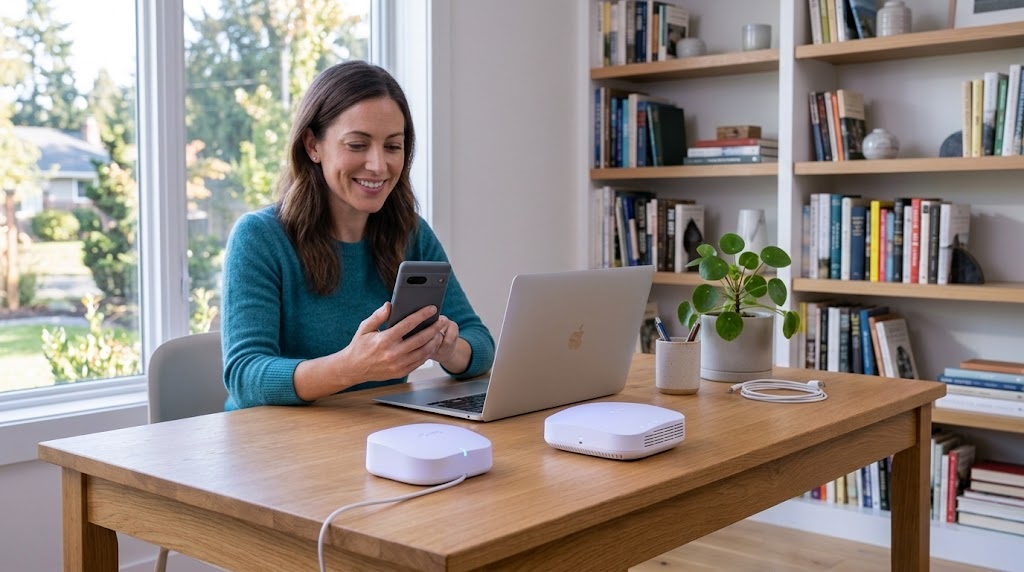
The Xfinity app is another convenient option for existing customers.
It provides access to account information, billing features, internet troubleshooting, and service updates.
Customers can also use the app to check their network status and access Xfinity Assistant.
The app is available for compatible iOS and Android devices.
4. In-Person Xfinity Store Support

Some issues are easier to discuss face-to-face.
Xfinity stores may assist with eligible account questions, equipment transactions, and service inquiries.
Before visiting, check the official Xfinity website for nearby locations, store hours, and available services.
Not every store handles every type of request.
How to Speak With a Real Person at Xfinity
One of the most common customer concerns is reaching a human representative instead of remaining in an automated phone system.
If you’re trying to connect with a real person, begin by calling 1-800-XFINITY (1-800-934-6489).
Listen carefully to the automated menu and select the option related to your concern.
Some customers try saying “representative” or “agent” when prompted. However, menu commands can change, and no shortcut guarantees a direct connection.
Requesting Assistance Through Xfinity Assistant
Another approach is to open Xfinity Assistant and describe your problem clearly.
For example, you might explain that you’re experiencing repeated internet disconnections or that a charge on your bill appears incorrect.
Ask to connect with an agent when the automated suggestions haven’t resolved the issue.
You may need to sign in to verify your account before additional assistance becomes available.
What If You Cannot Reach an Agent?
If your original channel doesn’t resolve the problem, try an alternative official support method.
For example, switch from telephone support to online chat or contact the official Xfinity Support team through its community forum.
Keeping a record of previous conversations can help you avoid explaining the entire issue repeatedly.
Xfinity Internet Technical Support: Fix Common Problems
Internet connectivity issues are a frequent reason customers contact Xfinity technical support.
Slow speeds, dropped connections, or complete outages can interfere with remote work, gaming, streaming, and everyday browsing.
Before contacting customer service, try a few basic checks.
Check Your Internet Equipment
Start by checking whether your modem or gateway has power and whether the cables are securely connected.
Loose coaxial cables or power connections can sometimes interrupt service.
If your equipment appears to be functioning normally, check whether the issue affects every connected device or only one.
If a single device is affected, the problem might involve its Wi-Fi settings rather than the entire internet connection.
Restart Your Gateway
Restarting your gateway may resolve certain temporary connectivity problems.
You can use the troubleshooting features within the Xfinity app or follow the restart instructions provided by Xfinity for your equipment.
Allow the device enough time to reconnect.
Avoid performing a factory reset unless instructed, because it may remove customized network settings.
Test Your Internet Connection
An internet speed test can help you understand your current connection performance.
For more useful results, compare speeds at different times and, where practical, test using a wired connection.
If the problem continues after basic troubleshooting, contact Xfinity customer service and describe the symptoms you’ve observed.
How to Check Xfinity Internet Outages
Sometimes a connection problem affects an entire neighborhood rather than one household.
Before scheduling a technician visit, check whether Xfinity has reported a service interruption in your area.
Using the Xfinity Outage Map
Visit the official Xfinity outage information page.
The outage map allows customers to review reported interruptions and available restoration information.
You can also sign in to the Xfinity app to see whether your service address is affected.
When available, outage details may include a description, repair status, and estimated restoration time.
Getting Outage Alerts
Xfinity also supports outage-related text notifications.
Customers can text OUT to 266278 (COMCST) to check for service interruptions. Standard messaging charges may apply.
If a qualifying outage affects your account, you may also be eligible for a service credit under Xfinity’s applicable policies.
Xfinity Billing Customer Service and Payment Support
Billing questions are another common reason customers contact Comcast customer service.
You may need help understanding a price change, reviewing equipment charges, correcting a payment issue, or checking an expired promotional discount.
How to View and Pay Your Xfinity Bill
Customers can access billing information through the Xfinity website or app.
After signing in, authorized account users can review current statements, payment history, billing details, and available payment options.
The app also allows eligible customers to make payments and manage payment settings.
For step-by-step instructions, visit Xfinity’s billing support guide.
How to Dispute an Unexpected Charge
If your bill includes an unfamiliar charge, compare it with previous statements.
Look for changes involving promotional pricing, service upgrades, equipment rentals, taxes, or one-time fees.
If the charge still appears incorrect, contact support and request an explanation.
Ask the representative to identify the charge, explain the applicable terms, and confirm whether an adjustment is available.
Xfinity Mobile Customer Service
Xfinity Mobile customers have a dedicated support number:
1-888-936-4968
This number is published by Xfinity for mobile service inquiries.
Customers can seek assistance with mobile billing, service questions, account access, and device-related concerns.
Some account tasks are also available through the Xfinity app.
Because mobile billing can be separate from residential internet and TV billing, make sure you’re reviewing the correct account information.
Xfinity TV and Remote Control Support
Xfinity customer service also helps customers experiencing television-related problems.
Common issues include missing channels, unresponsive remotes, equipment activation problems, and streaming difficulties.
Troubleshooting TV Problems
Start by checking whether the television and connected Xfinity equipment are powered on.
Confirm that the television uses the correct input source and that all cables are securely connected.
If the remote isn’t working, check its batteries and follow the appropriate pairing instructions for your remote model.
The Xfinity Support Center provides equipment-specific troubleshooting information.
If the issue remains unresolved, a support representative can help determine whether additional action is necessary.
Changing, Upgrading, or Canceling Xfinity Service
Your internet or entertainment needs may change over time.
You might want a faster internet plan, fewer television channels, or a different service package.
Reviewing Your Current Plan
Before changing services, review your existing monthly charges, promotional terms, equipment costs, and other applicable conditions.
Ask whether the proposed plan includes different features or affects any existing discounts.
Make sure you understand the new recurring price before confirming the change.
Canceling Xfinity Service
If you decide to cancel, contact Xfinity through an official support channel.
Ask about the effective cancellation date, final billing responsibilities, and procedures for returning rented equipment.
Keep equipment-return receipts and confirmation records until your account is fully settled.
If you’re moving, ask about transferring service before canceling, since availability and installation requirements vary by address.
Tips for Getting Faster Xfinity Customer Support
Preparing before contacting support can make the conversation more productive.
Have Your Account Information Ready
Keep your account holder’s name, service address, registered contact information, and a brief explanation of the problem available.
For technical issues, note when the problem began and any troubleshooting you’ve already completed.
For billing concerns, identify the specific statement and charge.
Explain Your Problem Clearly
Instead of simply saying your internet isn’t working, describe the exact problem.
For example, explain whether your gateway is offline, all devices are disconnected, or your Wi-Fi connection drops repeatedly.
Specific information helps support representatives identify the most relevant troubleshooting steps.
Keep a Record of the Conversation
Write down important information such as case numbers, promised follow-ups, scheduled appointments, and billing adjustments.
If additional assistance is needed, those records can make the next interaction easier.
Understanding LocalCableDeals and Xfinity Support
Customers researching Xfinity customer service may also find guidance on LocalCableDeals.
LocalCableDeals is a third-party website that provides information about internet and television providers, service availability, and related offers.
Its Xfinity customer-service guide includes contact information, troubleshooting resources, and tips for reaching support.
However, a third-party sales or assistance number should not automatically be considered an official Xfinity customer-service number.
For existing account problems, billing disputes, and technical troubleshooting, verify contact details through Xfinity’s official website.
For researching new internet or TV services, comparison websites can provide additional information about available options.
How to Avoid Customer Service Scams
When searching online for technical support, use caution with unfamiliar telephone numbers and websites.
Scammers sometimes imitate well-known internet providers and request payment or sensitive information.
Verify Official Contact Information
Use Xfinity’s official website or app to verify telephone numbers and support links.
Avoid trusting unsolicited messages that demand immediate payment or direct you to unfamiliar websites.
Never share your password, one-time verification code, or financial information in a public support forum.
If someone contacts you unexpectedly claiming to represent Xfinity, end the conversation and contact the provider independently using a verified channel.
Frequently Asked Questions About Xfinity Customer Service
1. What is the official Xfinity customer service number?
The official residential customer-service number is 1-800-934-6489 (1-800-XFINITY). Customers can use it for billing, account questions, technical support, and general service inquiries.
2. How do I speak to a human at Xfinity?
Call the main support number and follow the automated prompts. You can also use Xfinity Assistant to request live support when that option is available.
3. Is Xfinity customer service available 24/7?
Xfinity provides 24/7 digital assistance through its app and automated support tools. Access to live representatives and specialized departments may vary by channel and time.
4. How do I contact Xfinity customer service online?
Visit the official Xfinity contact page or open the Xfinity app. You can use Xfinity Assistant, access troubleshooting resources, or explore additional support options.
5. How can I check whether Xfinity is down in my area?
Use the Xfinity outage map, check the app, or text OUT to 266278. Reported interruptions may include repair updates and estimated restoration information.
6. What is the Xfinity Mobile support number?
The published Xfinity Mobile customer-service number is 1-888-936-4968.
7. Can I pay my Xfinity bill without calling customer service?
Yes. Authorized account users can make eligible payments through the Xfinity website or app, using the payment options available to their account.
8. Can I visit an Xfinity store for customer support?
Yes. Some store locations assist with account services and equipment-related requests. Check the official store information before visiting to confirm hours and available assistance.
Conclusion: Get the Right Xfinity Customer Service Support
Finding reliable Xfinity customer service doesn’t have to be complicated when you know which support channel to use.
For existing residential services, 1-800-934-6489 is Xfinity’s published customer-service number. Customers can also use Xfinity Assistant, the mobile app, and official online troubleshooting resources.
Whether you’re dealing with slow internet, unexpected billing charges, TV problems, or account changes, preparing relevant information can help make support conversations more effective.
For additional contact information and helpful service guidance, explore the LocalCableDeals Xfinity Customer Service Guide.
You can also visit Xfinity’s official support website for direct assistance with an existing account.
The best approach is simple: identify your problem, choose a verified support channel, and keep a record of your request until it’s resolved.
Disclaimer: Support numbers, service options, and agent availability may change. Verify current information through official Xfinity channels. LocalCableDeals is a third-party information and sales website, not Xfinity’s official customer-support website.

Written by Twastia Editorial Team
Twastia Editorial Team shares practical insights about website design, SEO services, Google Ads, content marketing, social media, conversion rate optimization, and digital marketing strategy.
Last updated: Oct 11, 2026
Related posts from Twastia
Explore more useful articles from twastia.com about digital marketing, SEO, websites, ads, content, and growth strategy.