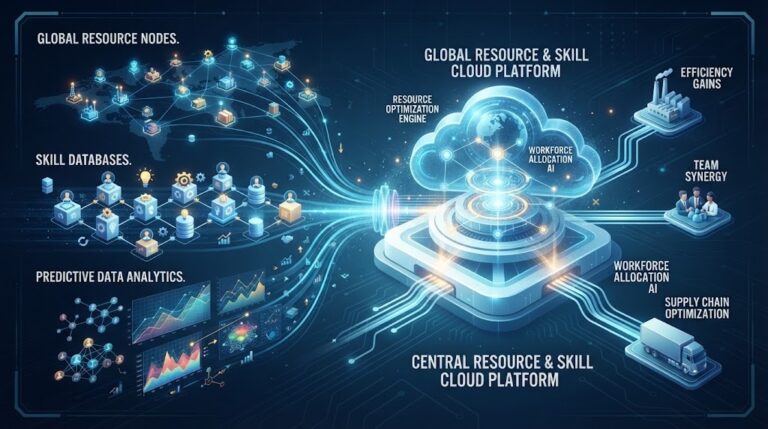
replacing an established system: The Best Guide to Legacy Upgrades
In today’s fast-paced digital economy, organizations across the United States face continuous pressure to innovate, improve operational efficiency, and deliver […]
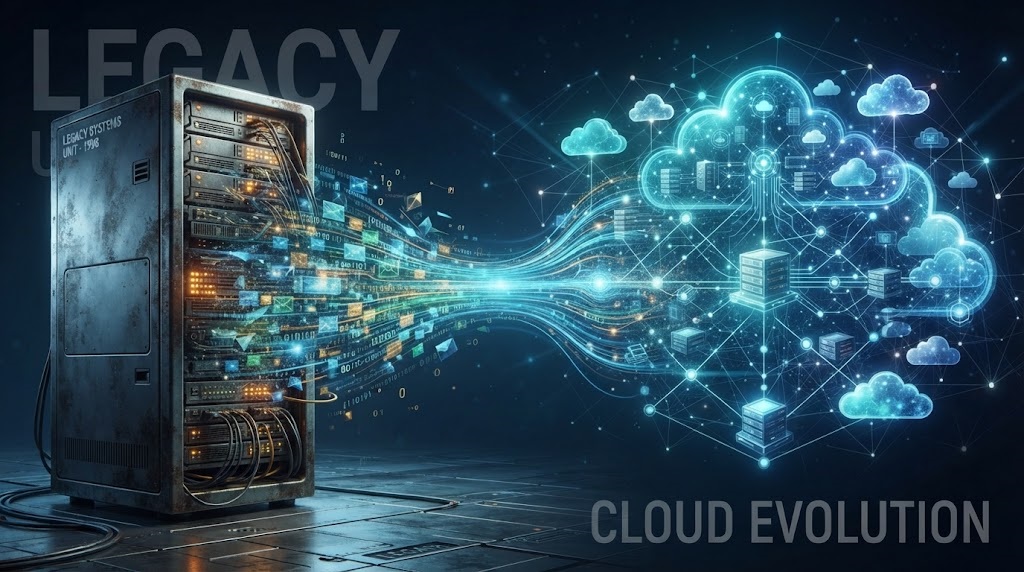
In today’s fast-paced digital economy, organizations across the United States face continuous pressure to innovate, improve operational efficiency, and deliver seamless customer experiences. However, many established businesses remain anchored by aging software, outdated infrastructure, and legacy workflows that were implemented decades ago. While these legacy tools may have served the company well in its early stages, they eventually become bottlenecks that hinder growth, introduce security risks, and inflate maintenance costs. Deciding on replacing an established system is one of the most critical strategic choices an executive team can make, representing a pivotal moment in an organization’s digital evolution.
Transitioning from familiar, deeply ingrained software or operational frameworks to modern platforms is rarely a simple swap. Established enterprise tools are tied into daily workflows, custom databases, employee habits, and third-party integrations. Consequently, successfully replacing an established system unlocks higher operational efficiency, but it also requires a structured roadmap to minimize downtime, prevent data loss, and maintain team productivity. In this comprehensive guide, we will analyze the primary triggers for modernizing legacy platforms, explore common migration pitfalls, provide a step-by-step implementation framework, and share proven change management strategies for a seamless transition.
Recognizing the Strategic Need for Modernization

Organizations rarely decide to upgrade major software platforms on a whim. The impetus for system modernization usually stems from a combination of mounting technical friction, escalating operating costs, and evolving market demands.
Identifying the Warning Signs of Aging Infrastructure

How do leadership teams know when a software platform has reached the end of its useful lifecycle? Several clear operational indicators signal that the time for system modernization has arrived. First, maintenance costs begin to consume an unsustainable portion of the IT budget. Legacy software vendors often increase licensing and support fees for older product versions, while specialized developers who understand outdated programming languages become increasingly scarce and expensive to hire.
Second, integration bottlenecks limit business agility. Modern cloud-based applications rely on flexible Application Programming Interfaces (APIs) to exchange data effortlessly. Older enterprise platforms often lack open API architecture, forcing IT departments to build clunky, custom workarounds to connect essential tools. When evaluating whether replacing an established system makes financial sense, decision-makers must weigh the ongoing costs of maintaining band-aid integrations against the initial investment of a modern, API-first architecture.
Third, performance slowdowns and frequent downtime directly impact employee morale and customer satisfaction. When system crashes halt order processing or slow down customer support response times, the business suffers tangible revenue losses. Furthermore, delaying replacing an established system increases security vulnerabilities, as aging platforms often stop receiving critical security patches, leaving sensitive corporate data exposed to modern cyber threats.
Calculating Technical Debt vs. Modernization ROI
Every year an organization postpones upgrading outmoded infrastructure, its accumulated technical debt grows. Technical debt represents the implied future cost of extra rework caused by choosing an easy or temporary solution now instead of using a better, long-term approach. While maintaining legacy tools may seem cheaper in the short-term, the hidden costs—unproductive manual workarounds, missed market opportunities, high security risks, and employee frustration—far exceed the capital cost of software replacement. Investing in modern cloud platforms delivers measurable return on investment (ROI) through automated workflows, advanced real-time analytics, improved mobile accessibility, and reduced infrastructure overhead.
Key Challenges in Replacing an Established System
Upgrading core operational technology involves navigating technical, logistical, and human complexities. Understanding potential obstacles early allows project leaders to build proactive risk mitigation strategies.
Managing Employee Resistance and Cultural Pushback
The single largest obstacle in enterprise technology transitions is rarely technical; it is human. The process of replacing an established system often meets internal resistance because employees are accustomed to familiar routines, even if those routines are inefficient. Staff members develop personal workarounds over years of daily use, and introducing an entirely new user interface can induce anxiety over job performance and learning curves. Without active change management, team members may push back against new software, resulting in low platform adoption and lost productivity.
Ensuring Data Integrity during Complex Migration
Data is the lifeblood of modern business. Another major hurdle in replacing an established system revolves around data migration. Over decades of operation, legacy databases accumulate duplicate records, outdated customer files, formatting inconsistencies, and unstandardized fields. Extracting, transforming, and loading (ETL) millions of historical records into a new database schema without corrupting data or causing downtime requires meticulous planning. Losing critical historical records or customer transaction logs during migration can paralyze operations and damage client trust.
Maintaining Business Continuity and Minimizing Downtime
Organizations cannot simply pause business operations for weeks while installing new software. Successfully mitigating risks while replacing an established system requires clear executive sponsorship and a strategy that preserves daily customer service, order fulfillment, and financial reporting during the transition cutover. Unplanned system downtime during migration can lead to missed SLA commitments, lost sales revenue, and severe operational chaos.
A Step-by-Step Framework for a Seamless System Transition
To execute a technology modernization project without operational disruption, organizations should follow a structured, multi-phase migration methodology.
Phase 1: Conducting a Thorough Operational Audit
Before evaluating new software vendors, the first phase of replacing an established system involves a thorough audit of current business processes. Document every workflow, data input, output report, and third-party integration connected to the existing platform. Interview department heads and frontline staff to identify pain points, essential features, and redundant manual steps.
Furthermore, before replacing an established system, stakeholders must define success metrics for the new platform. Are you aiming to reduce order processing times by 40%? Improve real-time inventory visibility across warehouses? Enable mobile access for field technicians? Establishing clear, quantifiable Key Performance Indicators (KPIs) ensures that software selection aligns directly with core business objectives.
Phase 2: Vendor Evaluation and Architectural Selection
Once functional requirements are documented, begin evaluating modern software platforms. Look for solutions that offer modular scalability, robust cloud security compliance (such as SOC 2 and ISO 27001 certifications), intuitive user interfaces, and open API connectivity. Request detailed product demonstrations tailored specifically to your company’s documented use cases rather than accepting generic sales presentations.
Phase 3: Parallel Running and Rigorous Sandbox Testing
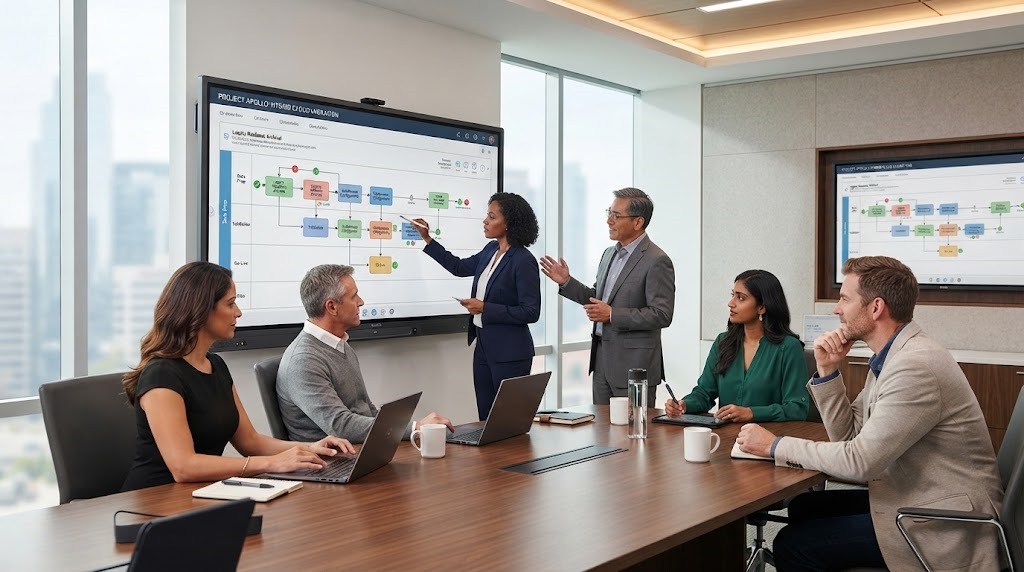
To protect business continuity, avoid “big bang” cutovers where the old system is shut down overnight and the new system is launched simultaneously without safety nets. Instead, during the execution stage of replacing an established system, parallel running minimizes downtime and risk. Parallel running involves operating both the legacy platform and the new platform simultaneously for a set period (such as one full accounting cycle or two weeks).
Operating in parallel allows technical teams to cross-check data outputs, verify calculation accuracy, confirm financial reconciliations, and stress-test performance under real-world operational loads. Any discrepancies or software bugs can be resolved safely in the new environment without risking live operations.
Phase 4: Structured Onboarding and User Training
Technology is only as effective as the people operating it. Training employees effectively when replacing an established system accelerates time-to-value and ensures high long-term adoption rates. Develop role-specific training modules rather than generic company-wide overviews. Provide hands-on sandbox environments where employees can practice real daily tasks without fear of breaking live data. Appoint internal “super-users” or change champions within each department to offer peer-to-peer support and encourage positive enthusiasm during launch week.
Change Management Strategies for Long-Term Adoption
Sustaining long-term success requires strong executive leadership and open organizational communication throughout the project lifecycle.
Executive Alignment and Transparent Communication
Transparent leadership alignment is paramount when replacing an established system across enterprise teams. Executive sponsors must clearly communicate why the change is happening, detailing how the new platform benefits both the company’s market competitiveness and individual employees’ daily workload. Regular town hall meetings, video updates, and project newsletters keep staff informed of project milestones, go-live dates, and training schedules, reducing uncertainty and building organizational buy-in.
Incremental Rollouts and Phased Deployments
For large enterprises with multiple regional offices or business units, avoiding operational disruption while replacing an established system depends on phased rollouts. Instead of launching the new platform across the entire enterprise at once, deploy it first in a single department, branch office, or product line as a pilot project. Gather user feedback, refine system configurations, update training documentation, and solve unforeseen operational friction in a controlled setting. Once the pilot location achieves stability, roll out the platform incrementally across remaining business units.
Leveraging Vendor Support and Managed Services
Do not attempt a major enterprise migration entirely alone. Active vendor support plays a massive role when replacing an established system in complex environments. Partner closely with the software vendor’s professional services team or an experienced third-party systems integrator. Expert consultants bring valuable industry benchmarks, specialized data migration scripts, and battle-tested project management templates that drastically reduce technical implementation risks.
Frequently Asked Questions
What is the biggest risk when replacing an established system?
The single biggest risk when replacing an established system is unexpected operational downtime paired with poor user adoption. If data migration fails or employees are inadequately trained, daily business operations can stall, leading to missed customer orders, revenue losses, and internal frustration.
How long does replacing an established system usually take?
Timelines vary significantly based on organizational scale and software complexity. Small-to-midsize business software transitions may take 3 to 6 months, whereas enterprise-wide Resource Planning (ERP) or Core Banking platform replacements often require 12 to 24 months of careful planning, testing, and phased deployment.
How do you minimize employee pushback when replacing an established system?
Minimize employee resistance by involving frontline users early during the requirements gathering phase, communicating the personal benefits of the new tool clearly, identifying internal department change champions, and providing comprehensive, hands-on role-specific training.
What is the difference between a big bang cutover and a phased rollout?
A big bang cutover replaces the old system with the new system instantly across the entire company on a single target date. A phased rollout deploys the new platform incrementally—by module, department, or location—allowing teams to manage risk and refine processes in controlled stages.
Should legacy data be completely migrated to the new platform?
Not necessarily. Migrating decades of dirty or redundant data clutters new system databases. Best practices dictate cleaning historical data first, migrating active operational records (such as current accounts, open orders, and recent transactions), and archiving older historical records in a secure, searchable data lake for compliance and auditing.
How do you calculate ROI when replacing an established system?
Calculate ROI by measuring tangible cost reductions (eliminated legacy licensing fees, lower server maintenance costs, reduced manual labor hours) alongside revenue enhancements (faster customer processing, higher sales capacity, improved data-driven decision-making) relative to total project implementation costs.
What role does parallel testing play during migration?
Parallel testing runs both the legacy system and the new platform simultaneously using identical live data. This allows IT teams to compare results, verify data accuracy, and fix bugs before fully decommissioning the old infrastructure.
Conclusion
Upgrading core business technology is a significant undertaking, but standing still in a rapidly changing digital marketplace poses far greater long-term risks. Outdated infrastructure, high maintenance overhead, integration bottlenecks, and security vulnerabilities eventually stall business growth and erode competitive advantage.
Thoughtfully replacing an established system positions your business for sustainable future growth, unlocking higher productivity, better data analytics, enhanced security, and superior customer experiences. By establishing clear project goals, managing data migration meticulously, conducting thorough parallel testing, and investing in comprehensive change management, your organization can execute a smooth, low-risk transition. Embrace technology modernization today to build an agile, resilient enterprise ready for tomorrow’s opportunities.
Written by Twastia Editorial Team
Twastia Editorial Team shares practical insights about website design, SEO services, Google Ads, content marketing, social media, conversion rate optimization, and digital marketing strategy.
Last updated: Oct 20, 2026
Related posts from Twastia
Explore more useful articles from twastia.com about digital marketing, SEO, websites, ads, content, and growth strategy.